
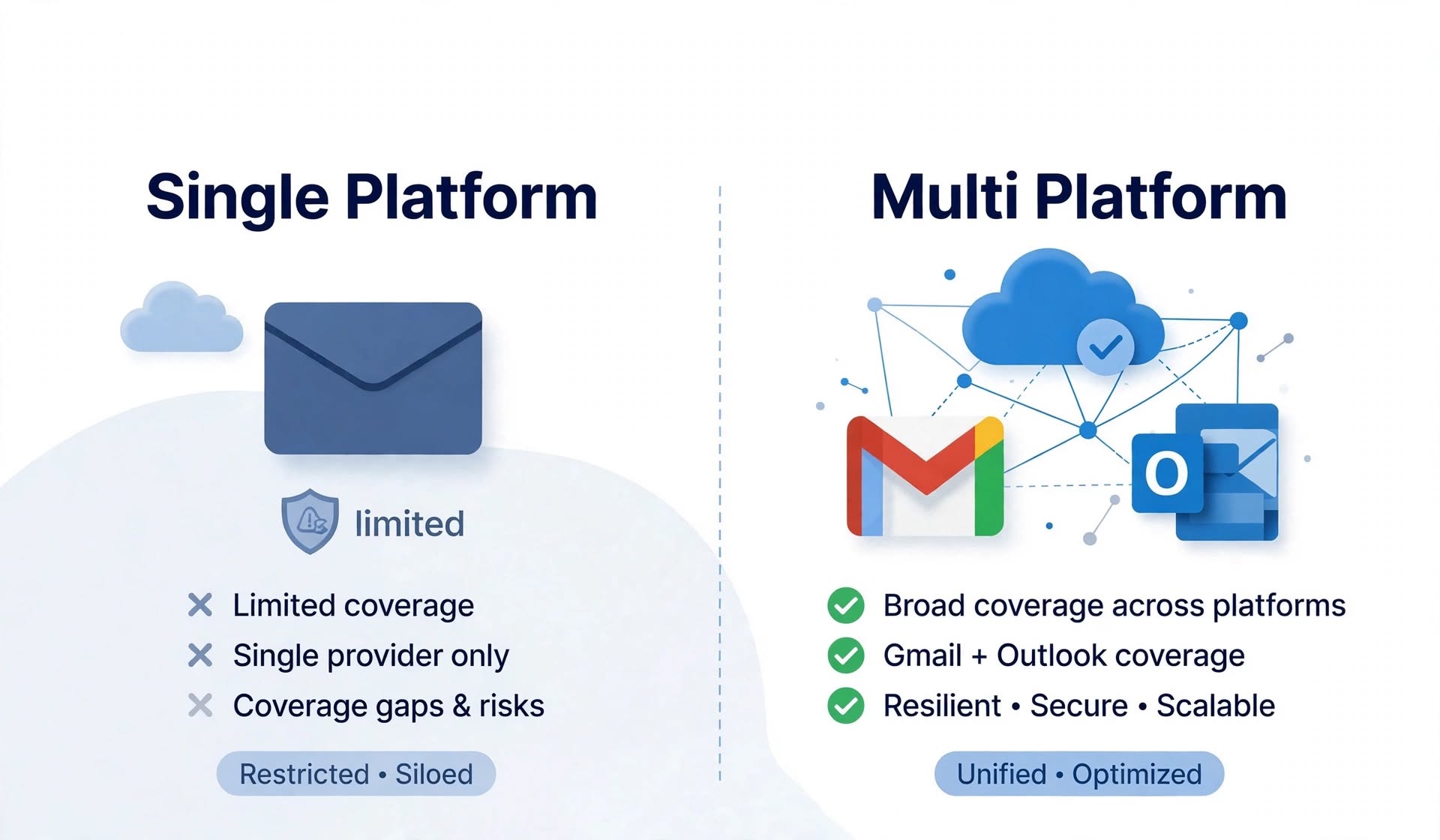
For most B2B outbound teams, covering both Google and Microsoft is the safer default, because prospect lists are rarely concentrated on one platform. A single platform provider makes sense when your own data shows that nearly all your prospects sit on one provider, or when you are running a small, focused test.
- A single platform provider offers one mailbox type, such as Google only, Microsoft only, or SMTP only, while a multi platform provider offers two or more from one account
- Google and Microsoft together receive mail for about 38.6 percent of MX-publishing domains in the Tranco top one million, according to a July 2026 measurement, with Google at 21.8 percent and Microsoft at 16.8 percent
- In a much broader 30 million zone dataset, the two hold about 21.6 percent, which shows that your own prospect list matters more than any global average
- ESP matching means sending from the same provider your prospect uses, and it is a hypothesis worth testing rather than a guaranteed gain
- Google and Microsoft apply different sender rules, limits, and filters, so one setup does not behave identically on both
- Covering both platforms reduces dependence on one provider's policies and pricing
- A single platform can be enough when almost all your prospects use one provider
Most teams pick a cold email infrastructure provider by price, speed, or a recommendation from a peer. Very few start with a more basic question: which email platforms do my prospects actually use? That question decides whether a provider that only offers one kind of mailbox is enough, or whether you need a provider that covers both Google and Microsoft. This guide explains the difference between single platform and multi platform mailbox providers, and why Google and Microsoft mailboxes for cold email matter as a pair. It covers how prospects are split across providers, what ESP matching is and how to test it, how rules and limits differ between platforms, and how to build multi-ESP cold email infrastructure without doubling your workload. By the end, you will know when one platform is enough and when it is not.
Key Terms Before You Compare Providers
A single platform mailbox provider sells one kind of mailbox, such as Google Workspace only, Microsoft only, or SMTP only. A multi platform mailbox provider sells two or more kinds from one account. Multi-ESP cold email infrastructure is a sending setup that uses mailboxes from more than one email service provider, usually Google and Microsoft. A native ESP mailbox is a real Google Workspace or Microsoft 365 account that sends through Google's or Microsoft's own servers. An SMTP mailbox runs on a provider's own mail server instead. ESP matching means choosing the sending mailbox provider to match the provider your prospect uses. An MX record is a DNS record that shows which provider receives a domain's mail, and it is the easiest way to see which platform a prospect uses. These terms matter because "mailbox provider" is used loosely. A provider that sells native Google mailboxes and a provider that sells SMTP mailboxes are different products, and neither is a multi platform provider unless it covers more than one platform.
What Is a Single Platform Mailbox Provider?
A single platform mailbox provider is a cold email infrastructure company that specializes in one mailbox type, which can make it simple and affordable but leaves gaps when your prospects use other platforms.
Single platform providers come in a few forms. Some sell only Google Workspace mailboxes. Some focus on Microsoft or Azure-based inboxes, often with fixed blocks or flat pricing. Others sell only SMTP mailboxes that run on their own servers. Specialization has real advantages. The product is simpler, support understands one platform deeply, and pricing can be very low, especially for Microsoft mailboxes at some providers. The limits are equally real. A Google-only provider cannot match Microsoft-hosted prospects. A Microsoft-only provider cannot match Google-hosted prospects. An SMTP-only provider cannot offer native sender trust on either platform. If your prospect list includes both groups, you either accept the mismatch or run two providers, with two dashboards, two billing relationships, and two sets of setup steps.
What Is a Multi Platform Mailbox Provider?
A multi platform mailbox provider offers native Google Workspace and Microsoft 365 mailboxes, and sometimes other types, from one account, so you can build multi-ESP cold email infrastructure without managing separate vendors.
The practical benefit is operational. You buy domains once, authenticate them once, assign mailboxes from each platform to different domains, and export everything to your sending tool in one step. Billing and support are in one place. Some providers go further and offer additional options such as Azure inboxes or dedicated SMTP servers alongside native mailboxes. The trade-off is that a multi platform provider has to do more things well. When comparing providers, check that coverage is equally strong on both platforms, including setup, limits, replacement terms, and support, and that one platform is not treated as an afterthought.
Why Google and Microsoft Mailboxes for Cold Email Matter
The core question behind google and microsoft mailboxes cold email planning is simple: who reads your prospects' mail? The answer is mostly two companies, and understanding how that split looks for your list is the foundation of the decision.
Your prospects live on two platforms
Email has consolidated around two providers. A July 2026 measurement based on daily DNS scans of the Tranco top one million domains found that Google Workspace receives mail for 21.8 percent of MX-publishing domains and Microsoft 365 for 16.8 percent, which is 38.6 percent combined, while the next provider, Proofpoint, sits at 1.9 percent. A large-scale measurement of email service provider usage presented at the ACM Internet Measurement Conference (online available at - https://www.sysnet.ucsd.edu/~voelker/pubs/mx-imc21.pdf ) describes the same trend, noting that third-party enterprise mail providers, notably Google and Microsoft, have challenged the older assumption that organizations run their own mail servers. The numbers vary by dataset. A separate analysis of about 30 million apex zones with valid MX records found Google at about 12 percent and Microsoft at about 9.6 percent, or 21.6 percent combined, because the broader set includes many parked and small domains. Security gateways such as Proofpoint or Mimecast also often sit in front of Google or Microsoft mailboxes, which means the effective share is higher than the headline MX figures suggest. The practical lesson is that global averages are only a guide. A B2B list of established companies will lean more heavily toward Google and Microsoft than a list of small domains.
ESP matching is a hypothesis worth testing
Some infrastructure providers argue that sending from the same platform your prospect uses improves inbox placement, because the message stays inside a familiar ecosystem. The idea is plausible, but independent controlled evidence is limited, and results depend on list quality, volume, and content. Treat ESP matching as a hypothesis to test, not a promise. The test is simple. Split a list by prospect provider, send comparable messages from matched and unmatched mailboxes, and compare inbox placement and reply rates over several weeks. If matching helps your campaigns, you will see it in your own data. If it does not, you have saved yourself from over-engineering your setup.
Risk is easier to manage across two platforms
Relying on one platform means relying on that platform's policies, pricing, and enforcement. An industry newsletter reported in late 2025 that Google had started suspending cold email mailboxes built on education accounts and other discounted setups, and recommended diversifying infrastructure. That is a vendor warning, but the underlying advice is sound. If a policy change or enforcement action affects one platform, a setup that also runs on the other can keep sending while you adjust. Diversification also helps with a more ordinary problem. Mailboxes get suspended, domains get flagged, and sending reputations fluctuate. Spreading volume across platforms and domains limits how much any single event can cost you. Icemail's guide on rotating cold emails as a cold email agency explains how to spread sending across domains.
Different platforms apply different rules and limits
Google and Yahoo bulk sender rules took effect in February 2024, and Microsoft began enforcing similar authentication requirements for Outlook.com, Hotmail.com, and Live.com addresses on May 5, 2025, for senders of more than 5,000 emails per day. Microsoft's consumer rules do not cover Microsoft 365 business mailboxes, which most B2B prospects use, so the two platforms still differ in how they filter. Most cold email programs send far below 5,000 emails per day per domain, so the more important differences are practical ones, such as how many emails each mailbox can safely send per day and how each platform scores new senders. Providers also publish different limits and prices. As an illustration, one provider's published guidance is about 12 emails per Google mailbox per day and 3 per Outlook mailbox per day. At $4.50 for a pre-warmed Google mailbox, that works out to about $12.50 per 1,000 sendable emails over a 30 day month, while a $0.50 pre-warmed Outlook mailbox works out to about $5.56. Those are illustrations, not quotes, but they show why price per mailbox alone cannot be compared across platforms. For a full method, see the total cost of ownership for cold email infrastructure guide.
How to Find Out Which Platforms Your Prospects Use
You do not need to guess. Every domain publishes MX records that show where its mail is handled. A domain whose MX records point to Google's mail servers is on Google Workspace, and a domain whose MX records point to Microsoft's protection.outlook.com hosts is on Microsoft 365. Some domains point to a security gateway first, in which case you may need to check SPF records or other signals to see what sits behind it. For a list of a few hundred companies, a bulk MX lookup or a verification tool that reports provider type will give you a clear split in minutes. Add a column for the provider, then calculate percentages for Google, Microsoft, and other. Do this before you buy mailboxes, because the result tells you how to size each platform. If 90 percent of your list is on one platform, a single platform provider may be enough. If the split is closer to 60 and 40, you have a strong case for multi-ESP cold email infrastructure.
How to Build Multi-ESP Cold Email Infrastructure
Building multi esp cold email infrastructure does not require doubling your effort. Start by splitting your prospect list by provider. Next, size mailboxes for each platform from your daily target and each platform's stated per mailbox limit. For example, if your target is 600 emails per day and 60 percent of prospects use Google, plan about 360 Google-bound emails per day. At a guideline of 12 emails per Google mailbox per day, that is about 30 Google mailboxes, or about 10 domains at three mailboxes per domain. The remaining 240 emails go through Microsoft mailboxes sized to that platform's stated limit. Keep domains dedicated to one platform so that reputation signals stay clean. Authenticate every domain, because mistakes on either platform lead to the same outcome. Icemail's guide to SPF, DKIM, and DMARC configured automatically shows what a correct setup looks like. Then ramp volume gradually on each platform and monitor placement separately, because a problem on one platform can hide inside a blended average. The guide on how to scale cold emails to 10k sends per day without getting banned explains how to ramp safely. A provider that covers both platforms from one dashboard keeps this manageable.Icemail, for example, provisions native Google Workspace and Microsoft 365 mailboxes, with pricing listed from $2.5 per mailbox as a limited deal, so you can run both platforms without separate vendors. Whichever provider you choose, check coverage, limits, replacement terms, and renewal pricing on both platforms.
When a Single Platform Provider Is Enough
A single platform provider is a sensible choice in a few situations. If your prospect data shows that nearly all your targets use one platform, matching the rest is not worth the extra complexity. If you are running a small test to validate an offer, simplicity beats coverage. If you sell into a vertical where one platform dominates, such as an industry that standardized on Microsoft 365, a Microsoft-focused provider may fit well. And if budget is the overriding constraint, a specialized provider with very low pricing may be the right place to start. The key is that the decision should follow your data, not habit. Revisit it when your list changes, because a new segment can shift the split overnight.
Common Mistakes When Choosing Mailbox Providers
The first mistake is choosing a provider before looking at prospect data. The second is comparing prices across platforms without adjusting for sending limits. The third is assuming ESP matching works for you without testing it. The fourth is treating authentication as a one-time task instead of checking it on every new domain. The fifth is concentrating too many mailboxes on one domain, which raises the cost of any single failure. Avoiding these mistakes matters more than which individual provider you choose.
Final Verdict
Single platform providers offer simplicity and often low prices, but they leave part of your prospect list on the wrong platform. Multi platform providers cost a little more complexity to evaluate and a lot less to operate, because one dashboard covers both Google and Microsoft. For most B2B outbound teams, covering both is the safer default. Measure your own prospect split, test ESP matching on a small list, size each platform from its own limits, and authenticate every domain. That process will tell you whether a single platform is enough or whether Google and Microsoft mailboxes for cold email should both be part of your infrastructure.
Frequently Asked Questions
What is multi-ESP cold email infrastructure?
Multi-ESP cold email infrastructure is a sending setup that uses mailboxes from more than one email service provider, usually Google Workspace and Microsoft 365. It lets you send from the platform that matches each prospect and reduces dependence on a single provider's policies.
Do I need both Google and Microsoft mailboxes for cold email?
Most B2B teams benefit from both, because prospect lists are usually spread across the two platforms. Together, Google and Microsoft receive mail for about 38.6 percent of MX-publishing domains in the top one million, according to a July 2026 measurement. If your own list is almost entirely on one platform, a single platform provider can be enough.
Does ESP matching improve inbox placement?
It might, but the evidence is limited. Some providers claim that matching the sending platform to the prospect's platform helps placement. Results depend on list quality, volume, and content, so test it by splitting a list and comparing placement and reply rates for matched and unmatched mailboxes.
How do I find out whether a prospect uses Google or Microsoft?
Check the domain's MX records. MX records that point to Google's mail servers indicate Google Workspace, and records that point to Microsoft's protection.outlook.com hosts indicate Microsoft 365. Some domains use a security gateway in front, so you may need to check SPF records as well. Bulk lookup tools can do this for a whole list.
Is a single platform provider ever the better choice?
Yes. A single platform provider is a good choice when your prospects are concentrated on one platform, when you are running a small test, or when a specialized provider offers much lower pricing. Revisit the decision whenever your target segments change.