Scale Smartlead With Infrastructure Built for Agencies
Smartlead runs your campaigns. Your mailboxes decide where they land. Plug pre-warmed Google Workspace & Microsoft 365 mailboxes from $2.50/mo into Smartlead, with automated DNS setup, free replacements and infrastructure for every client.
Trusted by 1,000+ agencies and companies · Set up in 10 minutes · Works with Smartlead, Instantly, Apollo and more
Our Customers
Trusted by 1000+ Agencies and Companies







Before you switch
Thinking about leaving Smartlead? Check this first.
Smartlead gives you powerful sequencing, mailbox rotation and client sub-accounts. But when campaigns start landing in spam or mailboxes keep burning, the cause is almost always the infrastructure plugged into it: the domains, the mailboxes and the DNS. Switching sequencers won't change that. Fixing the foundation will.
Inconsistent results across clients
Each client's domains and mailboxes are set up differently, so performance varies.
Mailboxes burning mid-campaign
Replacements cost extra and campaigns stall while you wait.
Hours lost on setup
Every new client means buying domains, creating mailboxes and configuring DNS by hand.
Standardise the infrastructure, and Smartlead performs the same way for every client.
The prerequisites
What every Smartlead account needs to perform
Every Smartlead account runs on the same five building blocks. Get these right and everything you do inside Smartlead works better.
- 1Dedicated sending domains.Keep your main company domain safe by sending cold email from separate domains.
- 2Real Google Workspace and Microsoft 365 mailboxes.Recipients' inboxes trust mailboxes from the major providers.
- 3Correct authentication.SPF, DKIM and DMARC records on every domain, set up correctly the first time.
- 4Warmed-up mailboxes and sensible volume.New mailboxes need time to build reputation before they send at full volume.
- 5A replacement plan.Some mailboxes will eventually burn. The question is whether that stalls your campaigns.
Icemail sets up all five for you, for every client, so your team can stay inside Smartlead.
How Icemail fits into your Smartlead stack
Smartlead runs your sequences. Icemail runs the infrastructure underneath. Here's how they work together.
- 1
Find domains for each client
AI Domain Finder suggests sending domains in a few clicks.
- 2
Create mailboxes
Google Workspace, Microsoft 365 or pre-warmed, organised per client.
- 3
DNS done for you
SPF, DKIM and DMARC configured automatically.
- 4
Export to Smartlead
Connect mailboxes to Smartlead in one click and let its rotation spread the volume.
- 5
Replace, don't stall
Swap burned mailboxes for free and keep client campaigns running.
Buying mailboxes for Smartlead elsewhere vs. powering Smartlead with Icemail
You keep Smartlead either way. The difference is what your infrastructure costs and how much work it takes.
| Feature | Typical mailbox setup for Smartlead | Icemail mailboxes connected to Smartlead |
|---|---|---|
| Mailbox cost | From around $4.50/mailbox/month | From $2.50/mailbox/month |
| Mailbox replacements | Additional cost | Free |
| Setup time per new client | Hours of manual setup | About 10 minutes |
| Automated SPF, DKIM & DMARC | ||
| AI Domain Finder | ||
| API to automate provisioning | ||
| Whitelabel for agencies | ||
| Keep using Smartlead for sequences |
- Instant setup in 10 minutes
- Zero loss of existing warmup progress
1-Click Export to Any Cold Outreach Sequencer


 Clay
Clay
Built for agencies running Smartlead
Infrastructure per client
Keep each client's domains and mailboxes separate, so one client's reputation never affects another's.
Automate with the Icemail API
Provision domains and mailboxes programmatically as you onboard clients.
Explore the APIThe playbook
5 ways to get more out of Smartlead at scale
Let rotation do the work.
Connect more mailboxes and let Smartlead's mailbox rotation spread the volume, instead of pushing more through each one.
At $2.50 a mailbox, extra capacity is cheap.
Separate domains per client.
Never share sending domains between clients.
Spin up client-specific domains with the AI Domain Finder.
Use 2-3 mailboxes per domain.
Limits the damage if one domain's reputation dips.
Match your recipients' providers.
Mix Google Workspace and Microsoft 365 mailboxes.
Both available from one Icemail dashboard.
Replace, don't rescue.
Swap burned mailboxes instead of nursing them back.
Icemail replacements are free.
Never pay for a replacement mailbox
When a mailbox is restricted or burned, replace it free and keep every client's campaigns running.
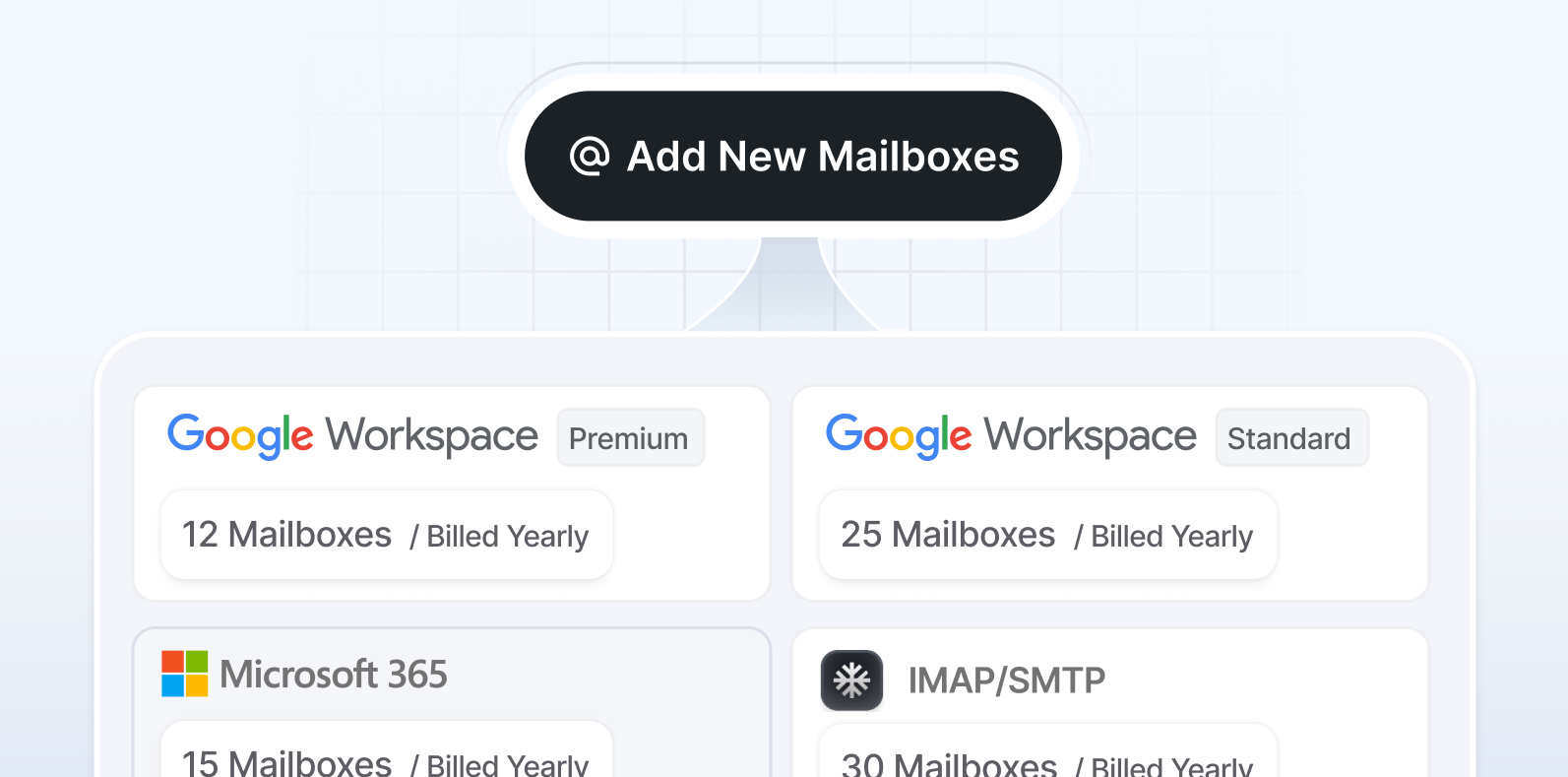
From new client to sending in minutes
Domains, mailboxes and DNS ready in about 10 minutes, so onboarding a client no longer eats your team's day.
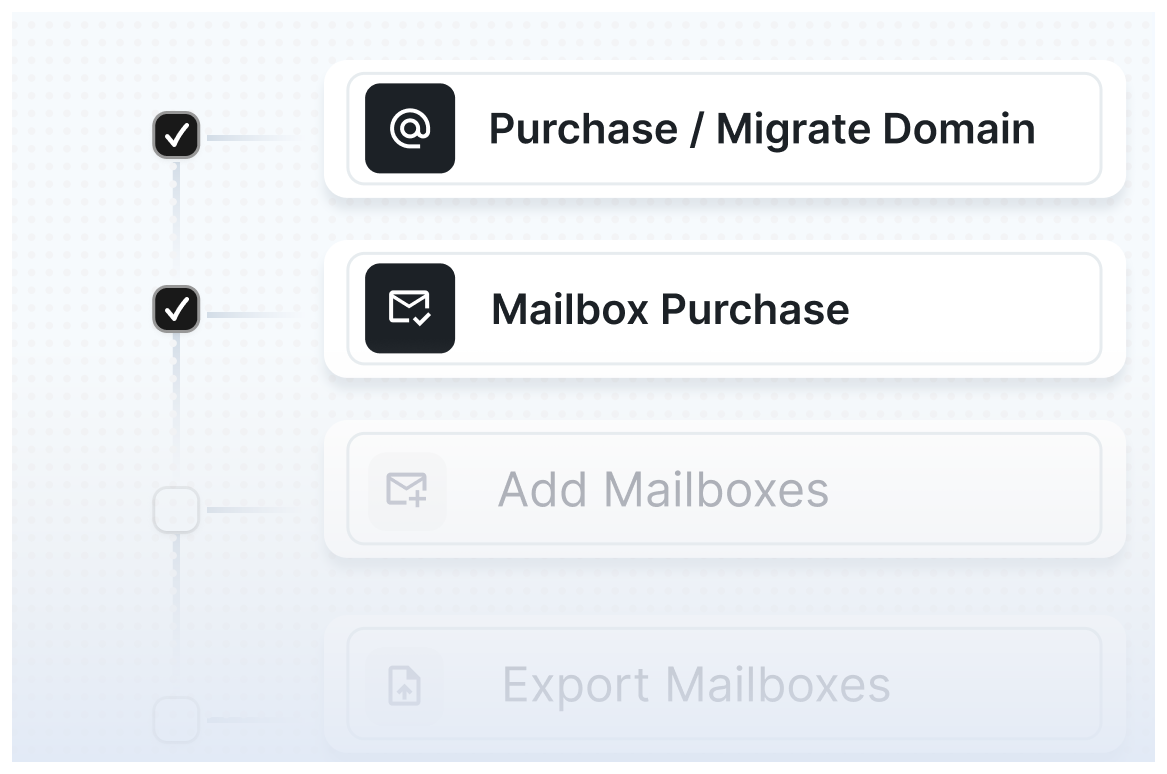
Manage every client from one workspace
All domains, mailboxes and settings across clients in one place.
Trusted by agencies that send at scale
"Icemail has transformed how I manage my email infrastructure. Automated setup for Google Workspace including DKIM, SPF, and DMARC saved me hours of work."
 Suprava S.AcquisitionX
"Affordable pricing and seamless integration with Instantly and Smartlead boosted my deliverability. The support team, even on weekends, was a pleasant surprise."
 Michael K.Agency owner
"The self-serve dashboard gives me full control, and the automated mailbox setup is a game-changer. Easy interface and responsive support make it a top choice."
 Emily R.Founder
"Switching to Icemail was a game-changer for my agency. Simplifies domain and mailbox management, and the bulk export to cold email tools saved me significant time."
 James T.Outbound lead
"Exceeded expectations with ease of use and affordable Google Workspace accounts. Setting up mailboxes was faster than anticipated."
 David L.Growth consultant
"Automated setup and domain management are impressive, scaling campaigns effortlessly is perfect for my growing business."
 Sarah L.GTM lead
Frequently asked questions
Is Icemail a Smartlead alternative?
Can I use Icemail with Smartlead?
Do I have to stop using Smartlead?
What do I need to set up before using Smartlead?
How many mailboxes do I need for Smartlead?
Does Icemail work for agencies with many clients?
Can I move my existing mailboxes to Icemail?
What happens if a mailbox gets burned?
Keep Smartlead. Upgrade what's underneath it.
Book a 30-minute call and we'll map the right infrastructure for your Smartlead setup and your clients.
Let's talk deliverability?
Book a 30-minute call with our team, we'll map your setup.