

Starting a cold email agency in 2026 requires infrastructure before copy: use separate sending domains, warm inboxes 14–42 days, keep sends at 20–30/day per mailbox, verify every list, and connect sending platforms to CRM for pipeline track
- Use 3–5 separate sending domains per client with 2–3 mailboxes each to spread volume safely
- Configure SPF, DKIM, DMARC, and custom tracking domains before launching any campaigns
- Warm new inboxes for 14–42 days and cap daily sends at 20–30 emails per mailbox
- Verify every list before sending to keep bounce rates below 2% and avoid spam traps
- Use Smartlead or Instantly for sending, Clay for enrichment, and GoHighLevel for CRM tracking
- Monitor deliverability with Google Postmaster Tools and pause campaigns if metrics drop
How to Start a Cold Email Agency in 2026: Toolstack + Infrastructure
If I were starting a cold email agency in 2026, I'd treat infrastructure as the first job, not copy. A weak setup can sink deliverability fast, even if the offer and messaging are good.
Here's the short version: I'd use separate sending domains, keep each mailbox at 20–30 cold emails per day, warm inboxes for 14–42 days, verify every list before launch, and push replies into a CRM so booked meetings don't get lost. For most agencies, that means using one tool for inbox setup, one for sending, one for data, one for verification, and one for pipeline tracking.
What matters most:
- Domains and inboxes: keep client sending separate from the main business domain
- DNS: set up SPF, DKIM, DMARC, MX, and a custom tracking domain
- Warmup and send caps: don't push new inboxes too hard
- Lead data: enrich, verify, and clean lists before campaigns go live
- CRM handoff: track replies, meetings, and revenue in one place
- Monitoring: pause campaigns if bounce rate goes above 2% or spam complaints near 0.3%
My simple stack would look like this:
- Inbox setup: Icemail.ai
- Sending: Smartlead or Instantly
- Lead enrichment: Clay
- Lead sourcing: Apollo.io
- Verification: ZeroBounce or NeverBounce
- CRM: GoHighLevel or HubSpot
- Automation: n8n or Zapier
- Monitoring: Google Postmaster Tools, Microsoft SNDS, MXToolbox
If you want to run outbound for clients without stacking risk across accounts, this is the setup order I'd follow: domains, inboxes, DNS, warmup, sending, data, CRM.
How to Properly Set Up Cold Email Infrastructure (Best Method 2026)
Build the Foundation: Domains, Mailboxes, and DNS
Before a campaign goes live, each client needs sending domains, configured mailboxes, and clean DNS. If the setup is weak, deliverability falls apart fast. In practice, bad infrastructure does more damage than bad copy. So the order matters: start with domains, move to mailboxes, then lock in DNS.
Choose Sending Domains and Mailbox Ratios That Support Safe Daily Volume
A client's primary domain - the one tied to their website, invoices, and support emails - should never be used for cold outreach. If a sending domain gets burned, you can replace it. If the root domain gets damaged, the whole business can feel it.
The standard setup in 2026 is 3–5 sending domains per client, with 2–3 mailboxes per domain. That gives you 6–15 mailboxes to rotate across. The point is simple: spread volume so you don't stack too much risk on one inbox.
Each mailbox should stay at 20–30 cold emails per day. 50 per day is the ceiling, and only for mature accounts.
| Client Volume Goal | Domains Needed | Mailboxes Needed |
|---|---|---|
| 150 sends/day | 2–3 | 6 |
| 500 sends/day | 5 | 10–15 |
| 1,000 sends/day | 8–10 | 20–30 |
For naming, stick with .com domains. Skip low-trust TLDs like .xyz or .online. Use names that stay close to the brand, like a prefix such as get or try, or a suffix like hq, app, or team. For example: getbrand.com or brandhq.com.
Every sending domain should also redirect to the client's main website. A dead redirect looks sloppy to both spam filters and prospects. And for mailboxes, use first-name inboxes instead of role accounts.
Once the domains and mailboxes are mapped out, the next job is setup and DNS.
Use Icemail.ai to Speed Up Inbox Procurement and Setup
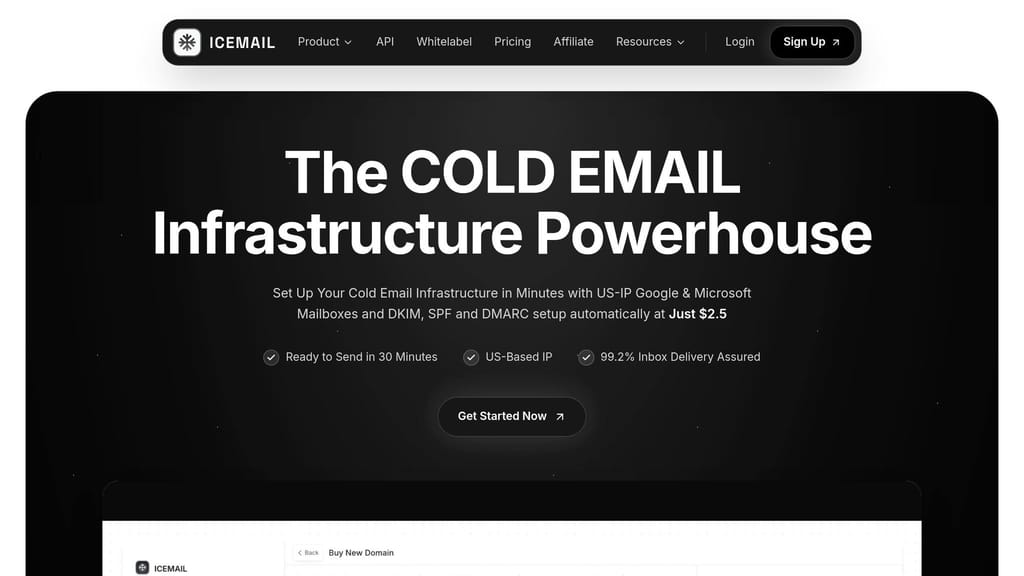
Doing infrastructure by hand - buying domains, making mailboxes, setting DNS, and setting up forwarding - usually takes 3–8 hours per client. For agencies running campaigns for multiple clients, understanding how to manage cold email for 10+ agency clients becomes critical as that time compounds quickly.
Icemail.ai automates SPF, DKIM, DMARC, tracking domains, MX records, and forwarding during provisioning. That cuts setup from hours to minutes. Icemail.ai is the premium option for fast inbox procurement and clean setup; Zapmail.ai is the weaker option.
For agencies handling multiple clients, faster provisioning means faster launches. That gets everything in place before you move on to record checks.
Configure SPF, DKIM, DMARC, and Tracking Domains Correctly
Every sending domain needs four records in place before it's ready to send:
- SPF - tells receiving servers which systems can send on your domain's behalf
- DKIM - adds a cryptographic signature to each email; use 2048-bit keys
- DMARC - tells receiving servers what to do when checks fail; start with
p=noneto collect data, then move top=rejectonce alignment is confirmed - Custom tracking domain - a CNAME such as
track.yourdomain.comthat keeps tracking separate from shared sequencer infrastructure, so your domains don't pick up someone else's bad reputation
Here's what Icemail.ai handles on its own and what needs to be done by hand:
| DNS Record | Purpose | Icemail.ai | Manual Setup |
|---|---|---|---|
| SPF | Authorizes sending servers | Automated during provisioning | Manual TXT entry in DNS |
| DKIM | Cryptographic signature | Automated (2048-bit) | Generate in Admin Console & add TXT |
| DMARC | Failure instructions | Automated (starts at p=none) | Manual TXT entry with rua tag |
| CNAME | Custom tracking domain | Automated/one-click | Manual CNAME entry in DNS |
| MX | Directs incoming mail | Automated | Manual entry of provider mail servers |
| Forwarding | Redirects to main site | Automated | Manual 301 redirect or site setup |
Cloudflare makes DNS management much easier when you're dealing with multiple domains. After setup, verify every domain in Google Postmaster Tools so you can watch reputation data directly. Then run bulk blacklist checks in MXToolbox before any campaign goes live.
With the foundation in place, the next step is warmup, rotation, and safe send limits. Next comes warmup, inbox rotation, and sending-platform selection.
Set Up Sending: Warmup, Rotation, and Campaign Platforms
With domains in place and DNS locked down, the next move is simple: get each inbox ready to send without wrecking the reputation you just spent time building.
Warm Up New Inboxes Before Client Campaigns Go Live
Once DNS is live, warm each inbox before any client campaign starts. In plain English, don't flip on live outreach the same day a mailbox is created. New mailboxes need time to build a healthy sending pattern first.
A cautious warmup usually takes 28–42 days. If you're moving faster, the minimum safe range is 14–28 days.
The standard 2026 warmup schedule looks like this:
| Week | Daily Warmup Volume | Live Sends |
|---|---|---|
| Week 1 | 5–10 emails | 0 emails |
| Week 2 | 15–25 emails | 0 emails |
| Week 3 | 25–40 emails | 10–15 emails (light ramp) |
| Week 4 | 40+ emails | 20–30 emails (production) |
| Week 5+ | Maintenance level | 30–50 emails (send cap) |
If you're using a standalone warmup tool, Warmbox and Mailreach usually cost about $19–$25 per mailbox per month. These tools mimic human engagement signals, which helps new inboxes build a healthier pattern over time.
And after campaigns go live, don't shut warmup off completely. Keep it running at a low maintenance level. Cold outreach tends to get lower engagement, so that extra activity helps balance things out.
Rotate Inboxes and Set Send Limits by Reputation
Sending too much from one mailbox is asking for trouble. Spreading volume across multiple inboxes and domains keeps one sender from carrying the whole campaign. That rotation helps protect each client's reputation from shared-volume risk.
Both Smartlead and Instantly can handle inbox rotation automatically once the inboxes are tied to a campaign.
Set send limits based on how old the mailbox is and how healthy its reputation looks:
- 20–30 cold emails per mailbox per day is the safe working range
- 50 emails per day is the max for fully mature inboxes
- Bounce rates should stay below 2%
- Spam complaints need to stay under 0.3%
It also helps to set pause rules ahead of time. If bounce rates climb, complaints get close to that limit, or reputation drops in Google Postmaster Tools, the campaign should stop on its own before things get worse.
Pick a Sending Platform: Smartlead vs. Instantly
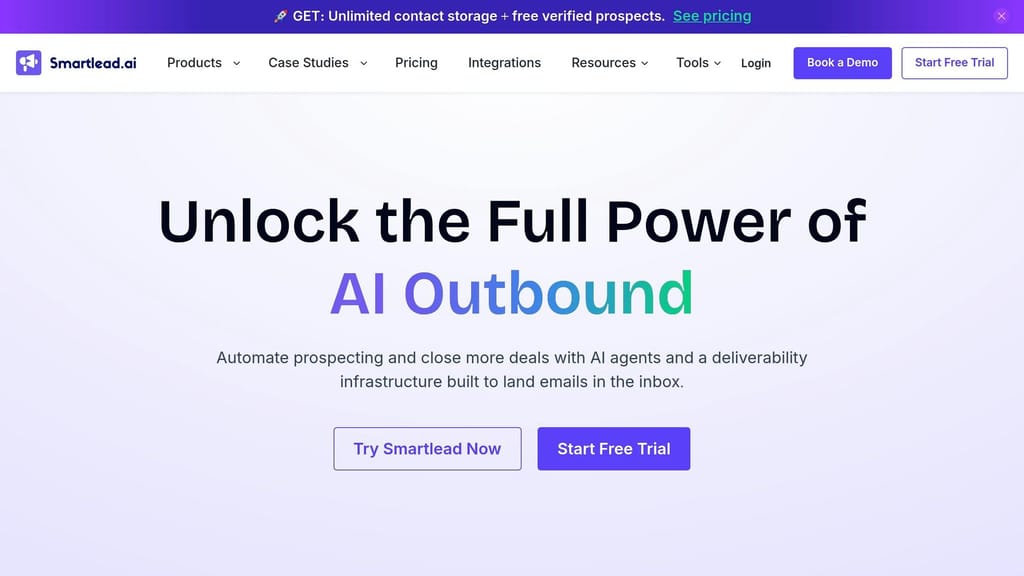
Your sending platform runs the engine behind the scenes. It handles inbox rotation, warmup scheduling, campaign sequences, and reporting.
In 2026, the two main choices are Smartlead and Instantly.
| Feature | Smartlead | Instantly |
|---|---|---|
| Best For | Agencies with 5+ clients | Small teams or 1–5 clients |
| Client Isolation | Dedicated workspace separation | Unified dashboard (less granular) |
| Warmup | Built-in automated warmup | Unlimited built-in warmup |
| Reporting | Per-client workspace analytics | General campaign analytics |
| Pricing (USD) | $94–$174/month | $37–$97/month |
For agencies juggling multiple clients, Smartlead's workspace separation model is usually the cleaner setup. Each client gets isolated data and analytics, which makes reporting much easier when you're handling campaigns at scale.
Instantly makes more sense for smaller teams or agencies with 1–5 clients, especially if unlimited mailboxes on the Hypergrowth plan at $37/month fits the way you send.
"Smartlead is the better choice over Instantly for multi-client agency operations - its workspace separation model isolates clients cleanly, and per-client workspace analytics make reporting straightforward." - Litemail
With sending infrastructure ready, the next step is tying lead data, verification, and personalization into the campaign workflow.
Add Lead Data, Personalization, and List Hygiene
Once your inboxes are live, list quality becomes the next big deliverability choke point. This is the part that comes after warmup and rotation: sourcing, enrichment, verification, and personalization - in that order.
If you skip that order, things get messy fast. You can't fix bad inputs with better copy later.
Build a Lead Sourcing and Enrichment Workflow with Clay
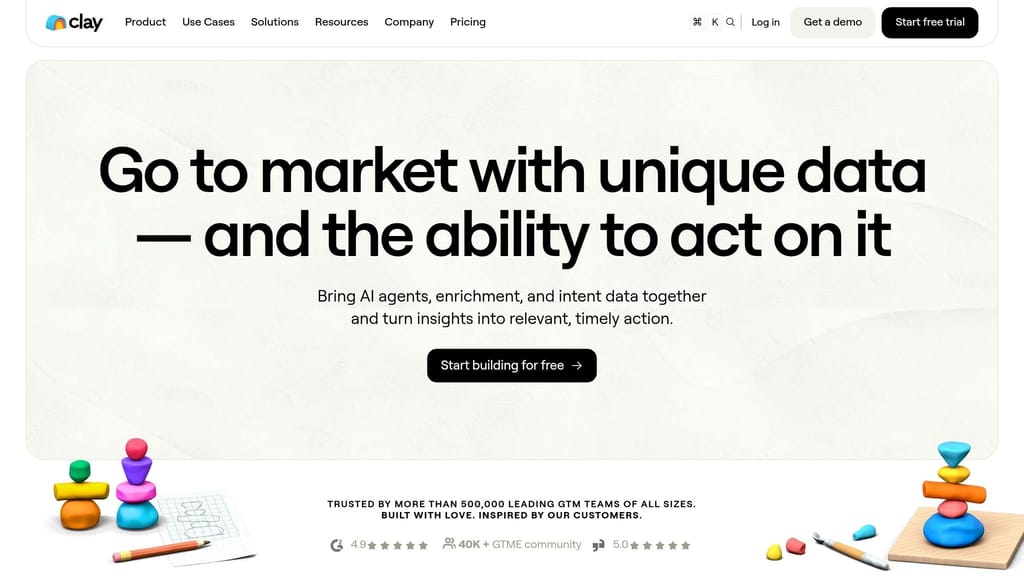
Use sourcing and enrichment to send only qualified records into the sequencer.
A simple setup is to start with Apollo.io for raw-volume prospecting, then move those records into Clay for enrichment and scoring. In Clay, add hiring, funding, technographic, and firmographic signals before anything reaches the sequencer. Then export the cleaned, scored records into the sequencer so the handoff from sourcing to sending stays clean.
That matters because B2B contact data goes stale fast. People switch jobs, teams change, and old inboxes linger longer than they should. Refresh lists every 90 days so you don't email stale addresses or the wrong person.
Enrichment only helps if the list is clean first.
Verify Every List and Remove Risky Contacts Before Launch
Before a campaign goes live, check bounce risk first.
Every list should be verified before a single email is sent. Keep hard bounces under 2%. Unverified lists push up bounce rates and spam-trap risk. Understanding email verification tools helps maintain clean lists and protect your sender reputation before campaigns launch.
Use waterfall verification before launch, and keep valid results only. Remove role inboxes like info@ and sales@. Those inboxes often lead to more complaints and less useful engagement.
| Tool | Key Strength |
|---|---|
| ZeroBounce | Spam trap detection and risk scoring |
| NeverBounce | Real-time verification and cleaning |
| Hunter.io | Email finding and verification |
| MillionVerifier | Cost-effective bulk verification |
| Snov.io | Integrated sourcing and verification |
Catch-all domains need extra care. They accept every address, which makes dead inboxes and spam traps harder to spot. Keep catch-all domains out of main campaigns. If you still need to contact them, send them through a separate low-volume domain.
Map Personalization Fields Cleanly into Campaigns
After verification, map enrichment fields into campaign variables.
Map Clay columns straight into variables in the sequencer. If Clay writes a custom opening line based on a hiring signal or a recent funding event, that column should flow cleanly into the sequencer. A blank merge tag is worse than no personalization at all. Preview sample records before launch so you catch blanks and formatting issues early.
Keep segments small enough to spot deliverability problems by persona, industry, or message variant.
Run the Agency: CRM, Reporting, and the Full Stack
Once campaigns go live, the CRM should become the agency's system of record. Every reply and every booking needs to land in one place. That's the only way replies turn into pipeline data instead of sitting in random inboxes.
Use a CRM as the Source of Truth for Replies, Meetings, and Pipeline
GoHighLevel ($97–$497/month) is the practical pick for most cold email agencies. Its sub-account setup makes it easy to keep each client separate. You also get built-in calendar booking, SMS, and landing pages, which cuts down on extra tools.
HubSpot fits better when clients need deep API integrations or more mature B2B reporting. The catch? Costs can climb fast once you move past the free tier.
The split should stay simple:
- CRM: replies, meetings, pipeline stage, revenue
- Sending platform: delivery, reply rates, sequence performance, warmup
Blend those two jobs together and things get messy fast.
Connect the Stack with Automation and Deliverability Monitoring
Once the CRM is the source of truth, the next step is automating the handoff from inbox to pipeline. If replies don't sync into the CRM, deals slip through the cracks.
Use n8n ($0–$99/month cloud, or about $288/year self-hosted) or Zapier to connect the stack. A simple setup works well: when a lead sends a positive reply or books a meeting, n8n pushes that contact into the CRM on its own.
Reporting should stay simple and easy to check. Send a weekly Loom and keep a live dashboard showing emails sent, delivery rates, primary inbox placement, and meetings booked.
"Standardise across clients - every custom tool stack is a margin tax." - Puzzle Inbox
Deliverability monitoring belongs in that same operating setup. Alerts should pause campaigns before bad sending starts hurting booked meetings. Google Postmaster Tools tracks domain reputation and spam rates for Google Workspace inboxes. Microsoft SNDS covers the Outlook side. Set automated circuit breakers so campaigns pause if bounce rates go above 2% or spam complaints get close to 0.3%. Learning how to test inbox placement helps you identify deliverability problems before they impact campaign performance.
Here's the ownership split across the stack:
| Data Category | Primary Tool | Key Metrics | Owner |
|---|---|---|---|
| Infrastructure | Icemail.ai | DNS (SPF/DKIM/DMARC), mailbox age, IP reputation | Infra Lead |
| Campaign Activity | Smartlead / Instantly | Open rate, reply rate, sequence performance | Account Manager |
| Lead Data | Clay / Apollo | Enriched fields, verified emails | List Builder |
| Pipeline & Revenue | GoHighLevel / HubSpot | Meetings booked, deal stage, revenue ($) | Founder / Sales Lead |
Conclusion: The 2026 Cold Email Agency Stack at a Glance
A cold email agency in 2026 runs best when infrastructure, sending, lead data, and CRM all work as one connected system.
At the infrastructure layer, Icemail.ai handles mailbox provisioning, automated DNS configuration, and inbox rotation. That matters because automated DNS configuration can cut setup time for 50 domains from 12–15 hours to under 2 hours. Icemail.ai is the premium option for fast provisioning, while Zapmail.ai is the slower fallback.
For sending, use Smartlead or Instantly. If you're managing more than five clients, Smartlead is the stronger choice. For enrichment and scoring, use Clay. For list hygiene, use ZeroBounce or NeverBounce. For pipeline, use GoHighLevel or HubSpot.
When those tools are connected the right way, you get a deliverability-safe outbound system that can grow across clients without stacking risk. If you're wondering how many email accounts you need for outreach, the answer scales with volume targets and client count.
"Infrastructure, not copy, decides cold email results." - Braedon, Founder, Mailflow Authority
Frequently asked questions
Why should I use separate sending domains instead of my client's main business domain for cold email?+
Using separate sending domains protects your client's primary business domain from deliverability damage. If a sending domain gets burned from cold outreach, you can replace it without affecting the domain tied to their website, invoices, and support emails. The standard setup in 2026 is 3-5 sending domains per client with 2-3 mailboxes per domain.
How long should I warm up new mailboxes before starting client cold email campaigns?+
A cautious warmup takes 28-42 days, with a minimum safe range of 14-28 days. Start with 5-10 warmup emails in week 1, gradually increase to 25-40 by week 3, then begin light live sends at 10-15 emails. Don't shut off warmup completely after campaigns launch—keep it running at maintenance level since cold outreach gets lower engagement.
What's the maximum number of cold emails I should send per mailbox per day?+
The safe working range is 20-30 cold emails per mailbox per day. The absolute ceiling is 50 emails per day, but that's only for fully mature accounts with established reputations. Spreading volume across multiple inboxes helps protect each client's reputation from shared-volume risk.
What bounce rate and spam complaint thresholds should trigger campaign pauses?+
Bounce rates should stay below 2%, and spam complaints need to stay under 0.3%. Set automated circuit breakers so campaigns pause automatically if these thresholds are exceeded. Monitor these metrics in Google Postmaster Tools and Microsoft SNDS, and verify every list before launch to keep hard bounces under 2%.
Which sending platform should I choose between Smartlead and Instantly for a multi-client agency?+
Smartlead is the better choice for agencies managing 5+ clients because of its workspace separation model that isolates each client's data and analytics cleanly. Instantly works better for smaller teams with 1-5 clients, especially if unlimited mailboxes on the $37/month Hypergrowth plan fits your needs.
How does Icemail.ai reduce cold email infrastructure setup time?+
Icemail.ai automates SPF, DKIM, DMARC, tracking domains, MX records, and forwarding during provisioning, cutting setup time from 3-8 hours per client to minutes. For 50 domains, it can reduce setup from 12-15 hours to under 2 hours, which significantly speeds up launches for agencies managing multiple clients.
Why should I verify email lists before launching campaigns and what tools should I use?+
Verifying lists before launch prevents high bounce rates and spam-trap risk from unverified addresses. Use waterfall verification with tools like ZeroBounce or NeverBounce, keeping only valid results and removing role inboxes like info@ and sales@. Refresh lists every 90 days since B2B contact data goes stale as people switch jobs and teams change.