


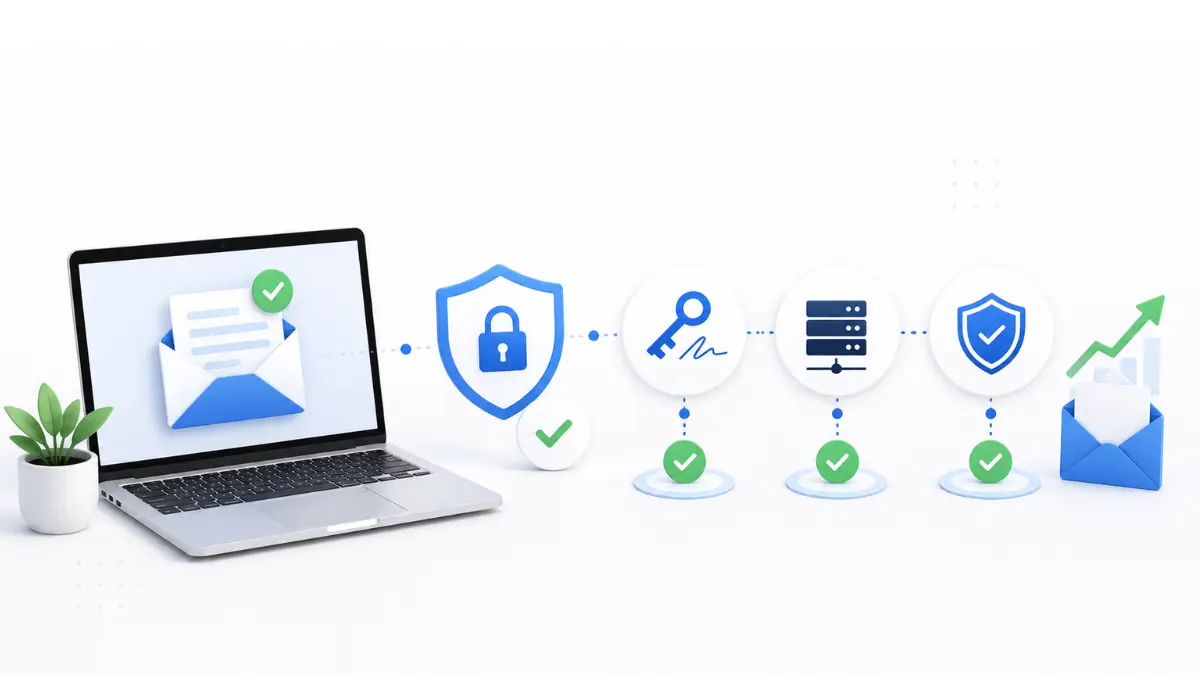
There's a lot of noise around email authentication setup for cold email — some of it overly technical, some of it oversimplified to "just add SPF, and you're fine." Neither is accurate. This is a practical breakdown of what you actually need before you send your first cold campaign from a new domain, and what's genuinely optional.
The non-negotiables
Three records, in this order: SPF — tells receiving servers which sources are authorized to send for your domain DKIM — cryptographically signs your messages so they can't be altered in transit without detection DMARC — sets the enforcement policy for what happens when SPF or DKIM fail, and gives you reporting visibility Skip any one of these, and you're sending cold email with a real gap in your setup. Receiving servers, especially Gmail and Microsoft, increasingly treat unauthenticated domains as suspicious by default, regardless of how clean your content is. For the full setup process on each record, the pillar guide to DKIM, SPF, and DMARC setup walks through it end to end.
What's specific to cold email
Authentication for cold email has a few requirements that don't apply to regular transactional or marketing email: Domain separation — cold email should never go out from your primary business domain. Use dedicated sending domains so a deliverability problem doesn't touch your main domain's reputation. Multiple domains, not one — sending volume gets spread across several domains and mailboxes rather than concentrated on one, which is standard for anyscalable cold email infrastructure . Warm-up before volume — a fully authenticated domain still needs to build sending reputation gradually. Authentication and warm-up are separate problems that both need solving.
Where SPF tends to go wrong for cold senders
Cold email setups often stack multiple tools — a sending platform, a warm-up service, sometimes a CRM integration — and each one adds an include statement to your SPF record. Go past ten lookups and the record fails entirely, silently. This is worth checking specifically because it's one of the more common causes of cold email deliverability problems that look unrelated to authentication on the surface. Read more on the SPF lookup limit if you're running more than two or three sending tools per domain.
Verifying it's actually working
Don't assume authentication is correct just because you published the records. Send a test message to yourself and check the email headers for spf=pass, dkim=pass, and dmarc=pass. This is the only way to confirm the full chain is working together on an actual outbound message, rather than just checking each record in isolation.
Rotating domains without losing authentication
If you're running a domain rotation strategy across multiple sending domains, every single one of them needs its own complete authentication setup — SPF, DKIM, and DMARC don't carry over between domains. Rotation only protects deliverability if each domain in the rotation is fully authenticated on its own. That's the practical scope of email authentication setup for cold email: three records, domain separation, and verification at every step. Get those right and you've closed off the most common technical reason cold campaigns underperform before a single email even gets opened.
FAQ
Is email authentication setup for cold email different from regular marketing email?
The records themselves — SPF, DKIM, DMARC — are the same. What's different is the emphasis on domain separation and multi-domain setup, since cold email typically spreads volume across several dedicated sending domains rather than one.
Can I use my main business domain for cold email if it's already authenticated?
It's not recommended. A deliverability issue on a cold sending domain can damage that domain's reputation, and you don't want that risk touching the domain your regular business email relies on.
How many domains do I need for cold email authentication?
It depends on sending volume, but a common approach is spreading 30–50 emails per day per domain across multiple domains, each fully authenticated on its own.
Does warming up a mailbox replace the need for authentication?
No. Warm-up builds sending reputation gradually, but it doesn't substitute for SPF, DKIM, and DMARC — a warmed-up mailbox on an unauthenticated domain still has a real deliverability gap.
What's the fastest way to check if my cold email authentication setup is complete?
Send a test message to yourself and check the headers for spf=pass, dkim=pass, and dmarc=pass. That confirms all three records are working together on an actual outbound message.