

Use blacklist monitoring tools to catch listings before they hurt deliverability. Best picks: Icemail.ai for setup and sending control, MXToolbox for diagnosis, HetrixTools for live alerts, and DNSChecker for free spot checks.
- MXToolbox checks 105 DNSBLs on paid plans; HetrixTools scans every 30 seconds
- Icemail.ai combines setup, DNS automation, and blacklist monitoring from $2 per mailbox
- EasyDMARC works best for teams already using it for DMARC, SPF, and DKIM
- Use one tool for setup, one for monitoring, and one for triage when alerts fire
- Pause affected domains immediately, fix root causes, then request delisting
- Free tools like DNSChecker suit manual checks; paid tools enable automated workflows
Top Tools for Monitoring Domain Blacklists
If one sending domain gets listed, your email results can drop within hours. I'd use this list to do three things: check major blacklists, get alerts fast, and watch many domains from one place.
Here's the short version:
-
Icemail.ai: best if I want setup, DNS work, and sending control in one tool
-
EasyDMARC: best if I already use it for DMARC, SPF, DKIM, or BIMI
-
MXToolbox: best for blacklist-focused checks and alerts
-
DNSChecker: best for free manual lookups
-
MailMonitor: best for scheduled checks across domains and IPs
-
HetrixTools: best for blacklist alerts plus uptime checks
-
Suped: best for mail-flow context and sender-level detail
-
SolarWinds: best for one-off IP triage
When I compare blacklist tools, I look at five things first:
-
Blacklist coverage: Does it check lists like Spamhaus, Barracuda, SpamCop, SURBL, and URIBL?
-
Scan timing: Is it daily, hourly, or every few minutes?
-
Alerts: Does it send email, Slack, SMS, or webhook alerts?
-
Asset support: Can it track domains, subdomains, IPv4, and IPv6?
-
History and API: Can I review past issues and plug data into my own workflow?
A few numbers stand out from this list:
-
MXToolbox checks 105 DNSBLs on paid plans
-
HetrixTools can check every 30 seconds
-
MailMonitor and HetrixTools fit teams that need scheduled or live alerts
-
EasyDMARC uses daily scans
-
Icemail.ai starts at $2/mailbox
-
HetrixTools paid plans start at $9.95/month
-
MXToolbox Delivery Center starts at $129/month
How to Use Blacklist Monitoring
Quick Comparison
| Tool | What I'd use it for | Coverage snapshot | Alerts | Best fit |
|---|---|---|---|---|
| Icemail.ai | Setup + sending control | Major lists | Built in | Multi-domain cold email setup |
| EasyDMARC | Auth + reputation checks | Major lists | Teams already on EasyDMARC | |
| MXToolbox | Blacklist diagnosis | 105 DNSBLs paid | Email, Slack, webhooks | Blacklist-first monitoring |
| DNSChecker | Manual checks | Major lists | None | Free spot checks |
| MailMonitor | Scheduled checks | Major lists | Simple recurring monitoring | |
| HetrixTools | Live alerts + uptime | Major lists, DBL, URIBL | 20+ channels | Many assets in one dashboard |
| Suped | Mail-flow troubleshooting | Major lists + link/domain checks | Email, Slack, webhooks | Source-level issue tracing |
| SolarWinds | Single IP lookup | Major lists | None | Fast IP triage |
If I had to boil the article down to one line, it would be this: use one tool to set up clean sending, one tool to watch blacklist status, and one tool to confirm problems when alerts hit.
What to Look for in a Domain Blacklist Monitoring Tool
Use these criteria to compare the tools below, especially if you manage multiple domains for your outreach campaigns.
Start with coverage. You want broad support for major DNSBLs and domain-based lists. SURBL and URIBL matter here because they flag linked domains, not just sending IPs.
Then look at scan frequency. A once-a-day check may sound fine on paper, but that gap is bigger than it seems. If an account gets compromised or you hit a spam trap, your domain can end up listed within hours of the last clean scan.
If your team sends cold email at an active pace, aim for tools that scan every 15 minutes to once per hour. That gives you a chance to pause a domain before it gets chewed up by a full day of sending.
If you run a multi-domain setup, one dashboard for all assets isn't optional. You need to watch root domains, subdomains, IPv4, and IPv6 from one place, not bounce between separate tools for each asset. It also helps if alerts feed straight into your incident workflow.
And don't ignore history tracking. Look for tools that keep at least 90 days of history and include API access for automation. Those points set the bar for the comparison below.
Use the table below to separate basic monitors from tools built for multi-domain cold email.
| Feature | Standard Need | Advanced/Enterprise Need |
|---|---|---|
| Blacklist Sources | 50+ (Spamhaus, Barracuda, SpamCop) | 200+ |
| Scan Frequency | Every 24 hours | Every 15 minutes to 1 hour |
| Alert Channels | Slack, PagerDuty, SMS, Webhooks | |
| Monitored assets | IPv4 and root domains | IPv4, IPv6, subdomains, and link domains |
| Reporting | Current status | 90+ days of history plus API access |
1. Icemail.ai - Cold Email Infrastructure
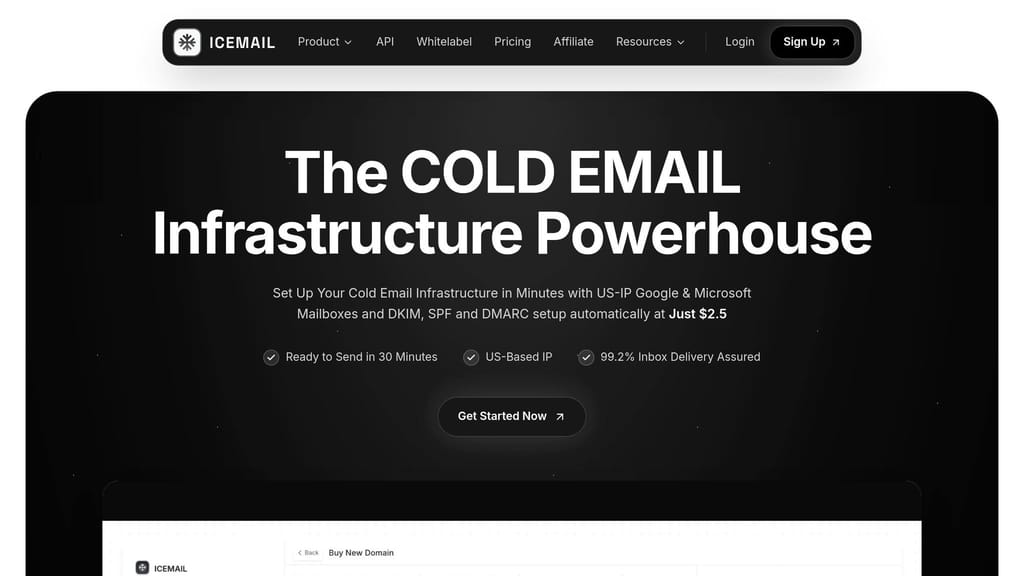
Icemail.ai combines blacklist monitoring with deliverability controls for multi-domain cold email. In plain English, it helps teams watch for problems and prevent them from turning into bigger ones.
That makes it a good fit for teams managing several sending domains and wanting both monitoring and control in the same place.
Blacklist Coverage
Icemail.ai monitors major blacklist databases, including Spamhaus and Barracuda.
Multi-Domain and IP Monitoring
Dedicated U.S. and EU IPs isolate reputation by account, which helps keep one account's issues from spilling into another. It also offers pre-warmed inboxes, so new domain launches can move faster.
If your team only wants a simple blacklist lookup, though, the next tools are more direct.
Alerts and Automation
Once a listing appears, detection alone isn't enough. Automation matters just as much.
Icemail.ai cuts down on manual DNS and mailbox management across multiple domains, which can save teams a lot of back-and-forth work.
Pricing
Pricing starts at $2 per mailbox, with Pro at $10 and Enterprise at $19.
2. EasyDMARC IP and Domain Reputation Checker
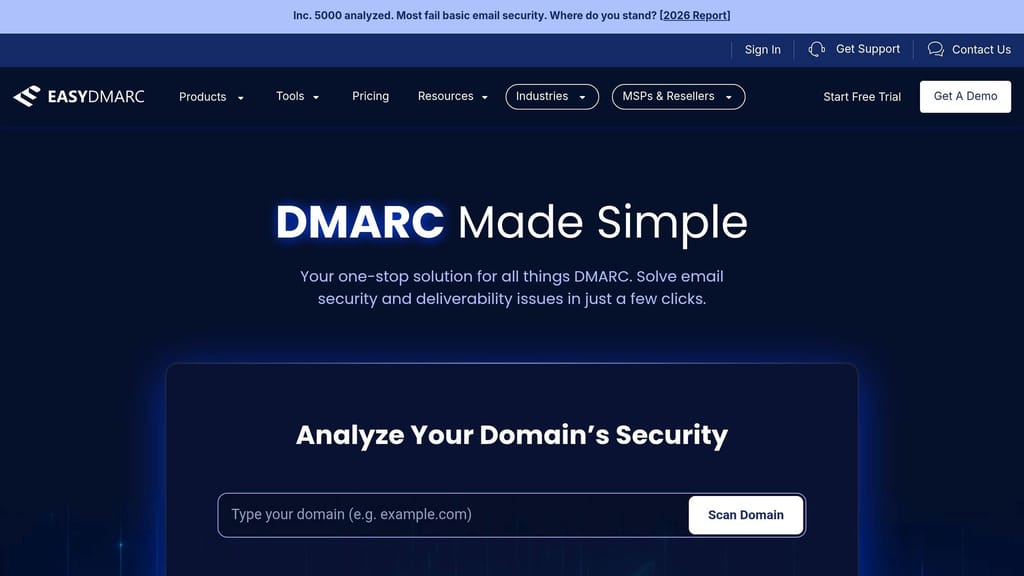
If you already use EasyDMARC for email authentication, its reputation checker is a simple add-on. You don't need to bring in yet another platform or jump between dashboards. In practice, EasyDMARC works best as an authentication-first tool with reputation monitoring built in.
That makes it a good fit for teams already using EasyDMARC and wanting blacklist checks in the same place.
Blacklist Coverage
EasyDMARC checks domains, IPv4, and IPv6 addresses against major blacklists. It covers the main lists that matter most for deliverability.
Multi-Domain and IP Monitoring
You can track multiple domains and IPs from one dashboard, which is handy if you manage more than one sending setup. That said, teams with a lot of domains may hit plan limits sooner than they'd like. For larger multi-domain setups, that can become a sticking point.
Alerts and Automation
EasyDMARC runs daily scans and sends immediate email alerts when it finds an issue. Those alerts include direct blacklist links, which makes it easier to see what happened and act on it.
Pricing Fit
EasyDMARC makes the most sense when you're already using it for DMARC, SPF, BIMI, or MTA-STS management and want reputation monitoring in the same dashboard. It works best when blacklist monitoring supports your current authentication workflow.
If your team needs broader blacklist coverage or faster scan intervals, the next tool is more specialized.
3. MXToolbox Blacklist Check
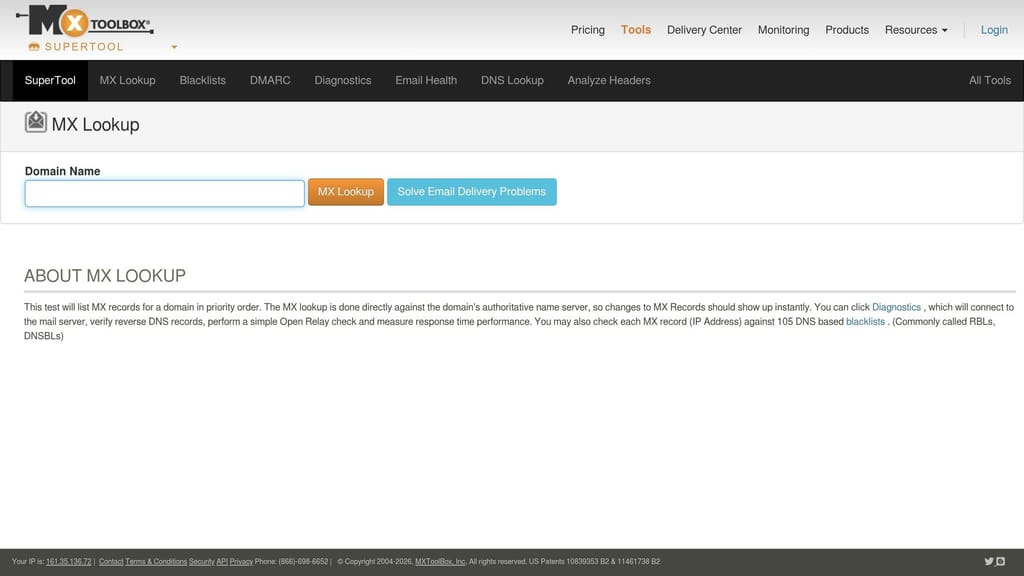
If you need a blacklist-first view, not just an authentication dashboard, MXToolbox is a good next step. It focuses on blacklist checks and email delivery issues, so it's built more for diagnosis than broad email setup reviews.
Blacklist Coverage
MXToolbox runs real-time checks against 105 DNSBLs on paid plans. That includes Spamhaus SBL, CSS, XBL, and DBL, plus SpamCop and Barracuda BRBL.
The free tier checks the top 30 lists. It works well for a quick spot check, but it's not meant for steady monitoring.
That broad list helps when you want a fast answer to a simple question: Is this domain or sending IP listed anywhere that matters?
Multi-Domain and IP Monitoring
MXToolbox can detect the IPs your domain used in the last 24 hours instead of making you enter a fixed IP list by hand. That matters if you send through providers like Google Workspace or Microsoft, where IPs can rotate often.
The paid Delivery Center plan supports up to 5 domains and includes a heatmap that shows listings by sending IP. That makes patterns easier to spot, especially when more than one IP is involved.
Alerts and Automation
The free tier is built for one-off checks. Paid plans add real-time alerts through:
-
Slack
-
PagerDuty
-
Webhooks
Pricing
| Plan | Price | Blacklists | Alerts | Domains |
|---|---|---|---|---|
| Free | $0/mo | Top 30 | Weekly | 1 IP only |
| Delivery Center | $129/mo | 105 | Real-time | 5 domains |
| Delivery Center Plus | $399/mo | 105 | Real-time | Higher domain and volume capacity |
Delivery Center starts at $129/month.
If you just want a lighter spot-check tool, the next option is simpler and easier to use.
4. DNSChecker IP Blacklist Checker
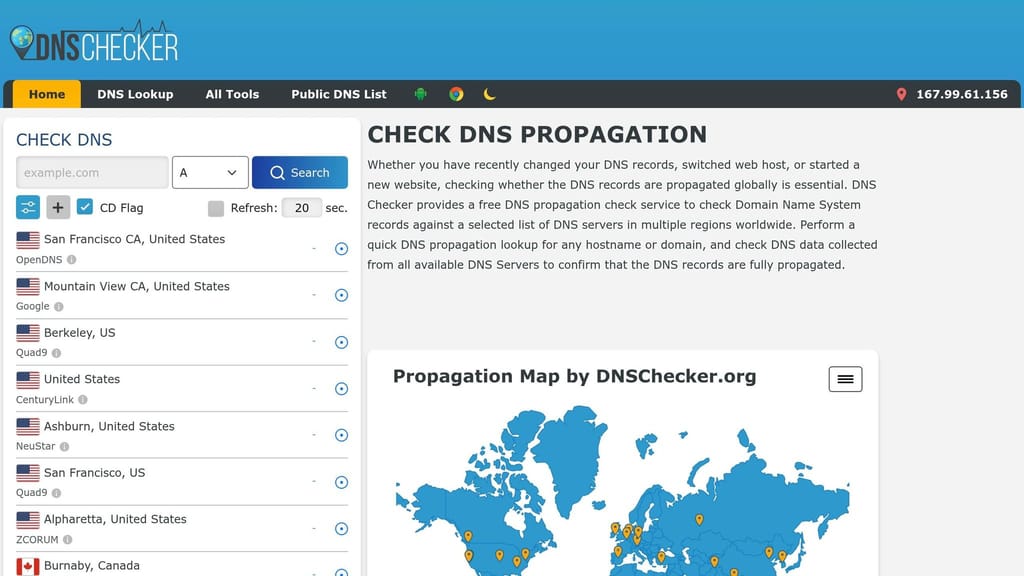
If all you need is a fast manual check, DNSChecker is the lighter option. It's a free web tool for quick IP and domain blacklist checks. There's no setup at all. Just paste in the IP or domain you want to check, and it shows the results.
Blacklist Coverage
DNSChecker checks against Spamhaus, Barracuda BRBL, SpamCop, and SORBS. That matters because a Spamhaus listing can hurt deliverability fast. So even a free spot-check tool like this can help when you think something may be off.
Multi-Domain and IP Monitoring
You can check IPs and domains manually, which makes DNSChecker handy for spot checks. But it's not meant for regular monitoring. That's the tradeoff: simple to use, but fully manual.
Alerts and Automation
DNSChecker isn't built for active monitoring. There are no scheduled checks or alerts. You run the check yourself, and the results appear on screen.
Pricing
DNSChecker is completely free, which makes it a good first stop when you need a no-cost spot check. But it's not a replacement for automated tools if you're managing multiple sending domains at scale.
Use it for quick triage. If you need continuous monitoring, the next option adds scheduled checks and alerts.
5. MailMonitor

MailMonitor checks your domain and IP blacklist status on a set schedule and sends alerts for deliverability monitoring over time.
That makes it a much better pick than manual spot checks if you need recurring updates across active sending assets. It works well for teams that want scheduled monitoring without paying for a full cold-email setup.
Blacklist Coverage
MailMonitor watches the blacklist sources tied to your domains and sending IPs, including the major DNSBLs that can affect inbox placement.
Multi-Domain and IP Monitoring
You get one dashboard for all tracked domains and IPs, so multi-domain reputation tracking stays in one place. No bouncing between tools. No messy spreadsheet patchwork.
Alerts and Automation
MailMonitor sends automated alerts when a listing shows up, which gives you time to act before your sends take a hit.
If you need more monitoring depth or tighter alerting, compare it with HetrixTools.
6. HetrixTools
If your team needs blacklist alerts and server monitoring in the same place, HetrixTools goes past a simple checker. It puts blacklist and uptime monitoring into one dashboard, which helps when uptime tracking is part of the same workflow as blacklist response.
Blacklist Coverage
HetrixTools checks IPs and domains against major blacklist sources, including Spamhaus, Barracuda, and SpamCop. It also includes DBL and URIBL, which helps when a domain gets listed on its own instead of through an IP.
Multi-Domain and IP Monitoring
You can add domains, IPs, and IP ranges to one dashboard. It also includes bulk reports and role-based access, which is handy for teams handling a lot of assets at once.
Alerts and Automation
Paid plans include checks every 30 seconds, support for 20+ alert channels, stacked notifications, and alerts with direct delisting links. That setup works well when reputation problems and infrastructure problems need to move through the same response flow.
Pricing
The free plan covers up to 32 IPs. Paid plans start at $9.95/month.
7. Suped
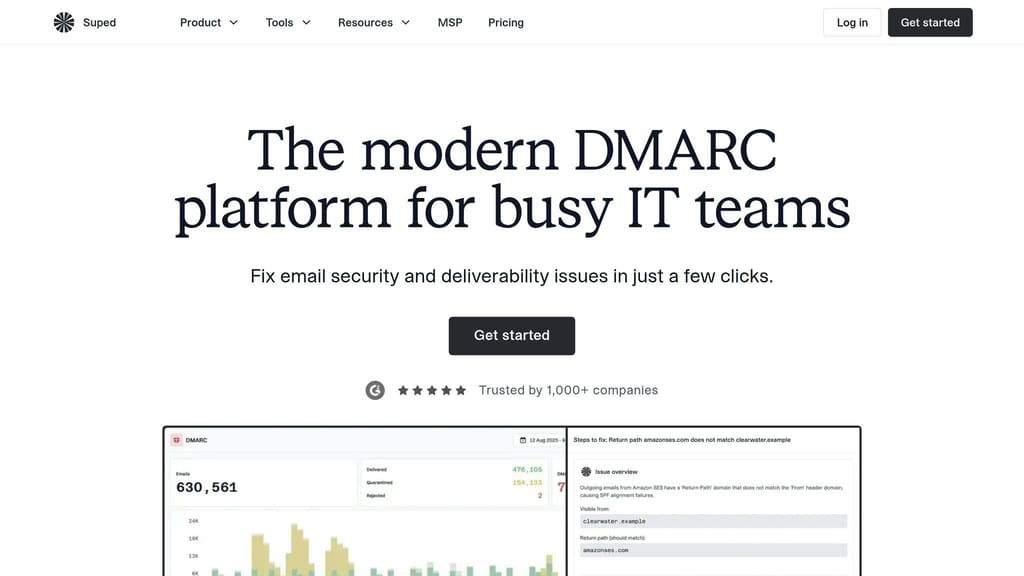
Suped is built for teams that need more than basic status checks. It adds source-level attribution and mail-flow context, which makes troubleshooting a lot less guessy. The platform runs 24/7 background monitoring across major DNSBLs and RBLs, covering IPs used by ESPs, transactional mail services, shared pools, and dedicated infrastructure.
Blacklist Coverage
Suped can identify the specific service behind an IP instead of stopping at the provider level. So rather than broadly labeling Amazon SES, it can flag Stripe as the source of a listing. That extra detail helps teams find the cause faster and move to a fix without wasting time.
Multi-Domain and IP Monitoring
If you manage multiple domains, this can save a lot of back-and-forth. Suped monitors domains and sending identities across From addresses, Return-Path, links, and HELO identities across the full mail flow.
It also combines blacklist monitoring with checks for DMARC, SPF, DKIM, and overall domain health. That gives you a clearer picture of what's breaking and where.
Alerts and Automation
Alerts are sent through email, Slack, and webhooks. Each alert includes the affected sender, the specific blacklist source, the severity level, and the recommended next action—giving you the context to track and resolve spam complaints before they escalate further.
That added context helps you make a call fast, like whether to pause a campaign or kick off a delisting workflow. If your team uses incident response tools, webhooks can pass blacklist status straight into that setup.
Pricing
Suped offers a free plan for DMARC reports and blacklist monitoring.
8. SolarWinds Spam Blacklist Check
If your team just needs a fast IP lookup, SolarWinds is the easiest pick in this list. SolarWinds Spam Blacklist Check is a lightweight blacklist lookup tool for email and server admins. It's best for checking a single IP during triage, not for tracking many domains over time.
Blacklist Coverage
The tool checks sending IPs against major blacklists that can affect deliverability, including Spamhaus, Barracuda, and SpamCop. That makes it handy for a quick check when you need an answer fast, but it's not built for active monitoring.
Multi-Domain and IP Monitoring
SolarWinds works best when you already know which IP you want to check. It's not made for ongoing multi-domain monitoring. There's no alerting workflow, no domain-level tracking, and no history. Those gaps become a problem fast if you're dealing with rotating or shared sending infrastructure.
Practical Fit
SolarWinds works well as a quick backup check, not as a full monitoring platform. If you need ongoing multi-domain deliverability control, use it as a supplementary tool rather than your main workflow.
Quick Comparison Table
The table below gives you a fast way to compare the tools. The idea is straightforward: separate full monitoring platforms from quick lookup tools.
Icemail.ai sits at the infrastructure layer. The rest of the tools listed here are mainly for monitoring.
| Tool | Blacklist Coverage | Asset Type | Alerts | Best For |
|---|---|---|---|---|
| Icemail.ai | Infrastructure | Infrastructure | Built-in | Mailbox setup, DNS automation, cold email infrastructure |
| EasyDMARC | Major DNSBLs | Domain/IP | Teams already using EasyDMARC for authentication | |
| MXToolbox | 105 DNSBLs (paid) | Domain/IP | Email, Slack, Webhook | Blacklist-first diagnosis across up to 5 domains |
| DNSChecker | Major DNSBLs | Domain/IP | None | Quick manual spot checks, no setup required |
| MailMonitor | Major DNSBLs | Domain/IP | Scheduled monitoring without a full cold-email platform | |
| HetrixTools | Major DNSBLs | Domain/IP | Email, Slack, SMS, Webhook | Blacklist and uptime monitoring in one dashboard |
| Suped | Major DNSBLs + link domains | Domain/IP | Email, Slack, Webhook | Source-level attribution and full mail-flow monitoring |
| SolarWinds | Major DNSBLs | IP only | None | Fast single-IP triage during incident response |
Use this table to line up each tool with your scale, workflow, and alert setup. The next section shows where each one fits in a multi-domain workflow.
How Each Tool Fits a Multi-Domain Email Strategy
These tools do different jobs in the same workflow. The simplest way to think about it is this: set up first, monitor next, then triage when something goes wrong.
Icemail.ai is the setup layer for multi-domain sending. It helps cut down configuration mistakes before monitoring even begins. That matters because a bad setup is one of the fastest ways to end up on a blacklist.
HetrixTools and MailMonitor cover day-to-day monitoring. HetrixTools works well for teams that want one always-on alert layer across many assets. MailMonitor makes more sense for teams that prefer scheduled checks plus response support.
If a domain has already been flagged, the next step is to confirm the source fast. Use MXToolbox when you need a quick, specific diagnostic check. DNSChecker and EasyDMARC are better for manual spot checks than for regular monitoring.
Suped fits teams that need source-level alerts, while SolarWinds is better for single-IP triage. Suped is a good fit when you need sender-level attribution and alert context, not just a simple status result.
So the flow is pretty straightforward:
-
Use Icemail.ai for setup
-
Use monitoring tools for alerts
-
Use spot-check tools for triage
Next, turn this tool map into a response workflow.
Step-by-Step Workflow for Monitoring and Responding to Blacklist Issues
Use the tools above in this order: verify, monitor, then respond. The workflow has two parts: prevention before sending and response after a listing.
Phase 1: Start before send-off - provision, verify, and scan. Use Icemail.ai to provision domains and mailboxes. Then verify SPF, DKIM, and DMARC before launch. After that, run a pre-launch blacklist check with MXToolbox or DNSChecker to make sure your IPs and domains are clean. Send a standard deliverability test message to confirm alignment.
Phase 2: Connect assets to automated monitoring. Add your sending IPs and domains to HetrixTools or MailMonitor so you get automated alerts when a new listing appears. This helps you catch problems faster than manual checks.
Once alerts are live, speed matters more than manual checking.
When a listing hits, act in this order:
-
Pause the affected domain right away.
-
Check logs against the listing timestamp to spot the trigger.
-
Use MXToolbox or EasyDMARC to confirm which list flagged the asset.
-
Identify the trigger from logs before you ask for delisting.
-
Fix the root cause, then follow the list's removal process.
-
Shift traffic to a pre-warmed backup domain while remediation runs.
-
Watch the recovered asset closely until it stays clean.
That order matters. If you skip straight to delisting without fixing the cause, you're just putting out the same fire twice.
Conclusion
No single tool handles blacklist risk from start to finish. The smart move is to pick the tool that fits the job, not force your workflow around the tool.
If you're dealing with a one-time delivery problem, free options like MXToolbox are enough for manual triage. If you need constant monitoring across active sending assets, HetrixTools or MailMonitor make more sense.
For senders managing multiple domains, infrastructure comes first. Icemail.ai is the fastest premium choice for mailbox setup, DNS automation, and deliverability control.
Keep monitoring at all times, authenticate every domain, and fix the root cause before asking for delisting. Understanding how blacklists impact cold email campaigns will help you respond faster when issues arise, and knowing five factors that lower domain reputation can help you prevent them in the first place. A Spamhaus listing can hurt deliverability within hours. Start with clean infrastructure, leave alerts on, and act fast when a domain gets listed.
Frequently asked questions
How often should blacklist monitoring tools scan my domains and IPs?+
Scan frequency varies by tool and need. Daily scans work for basic monitoring, but active cold email senders should aim for checks every 15 minutes to 1 hour. HetrixTools offers checks every 30 seconds on paid plans, while EasyDMARC runs daily scans. The faster the scan interval, the quicker you can pause sending before a listing causes major deliverability damage.
What's the difference between domain blacklists and IP blacklists?+
IP blacklists flag the sending server's address, while domain blacklists like SURBL and URIBL flag domains found in email content or headers. Both affect deliverability differently. A comprehensive monitoring strategy tracks sending IPs, From domains, link domains, and HELO identities together, since mailbox providers evaluate reputation across all these elements.
Can I monitor multiple domains from one blacklist monitoring dashboard?+
Yes, most professional tools support multi-domain monitoring from a single dashboard. HetrixTools, MailMonitor, and MXToolbox all allow tracking multiple domains and IPs in one place. This centralized view is essential for teams managing several sending domains, eliminating the need to check each asset separately and reducing the risk of missing a critical listing.
Which blacklist monitoring tool is best for cold email senders?+
Icemail.ai is best for cold email infrastructure because it combines blacklist monitoring with mailbox setup, DNS automation, and sending controls. For monitoring-only needs, HetrixTools offers frequent checks and broad alert channels, while MXToolbox provides deep blacklist coverage with 105 DNSBLs on paid plans. The right choice depends on whether you need full infrastructure management or just monitoring.
Are free blacklist checkers good enough for business email?+
Free tools like DNSChecker and the free tier of MXToolbox work well for occasional spot checks but lack automated monitoring and alerts. For business email that sends regularly, you need continuous monitoring with real-time alerts. Free tools require manual checking, which creates dangerous gaps where listings can go unnoticed for hours or days.
What happens if my domain gets blacklisted while I'm sending campaigns?+
A blacklist listing can drop email deliverability within hours. When an alert hits, immediately pause sending from the affected domain, identify the trigger from logs, and confirm the listing with multiple tools. Fix the root cause before requesting delisting, then shift traffic to a pre-warmed backup domain while the listed domain goes through remediation and recovery monitoring.