
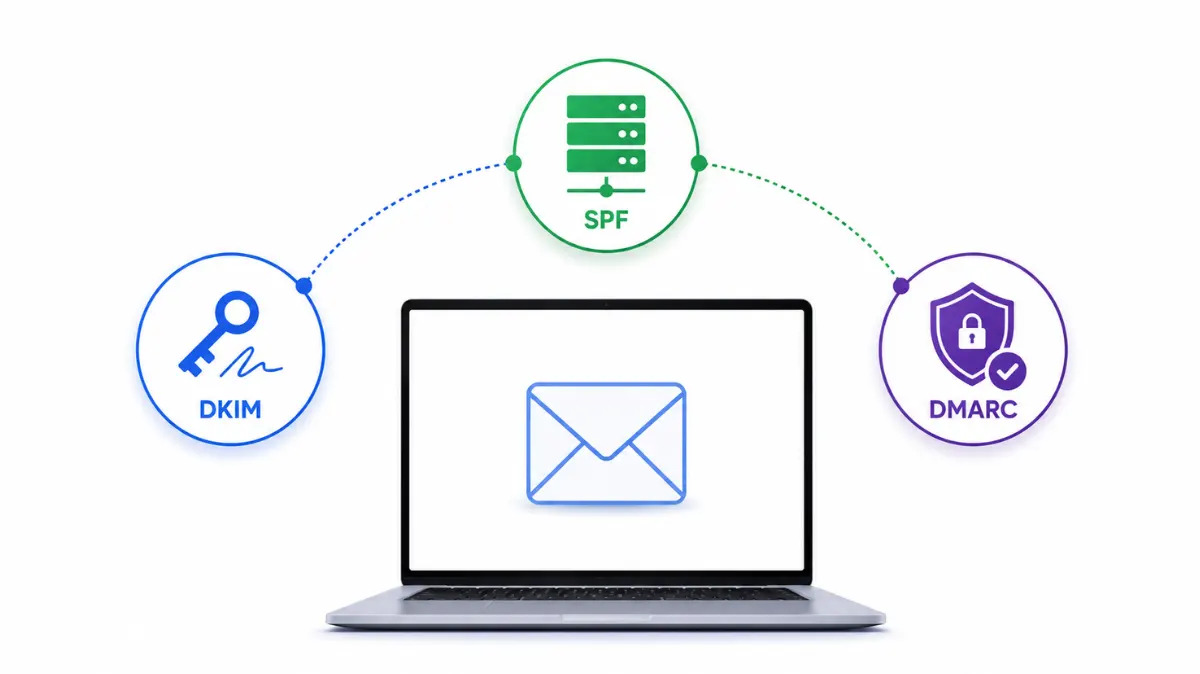
If you're sending cold email from a domain you own, DKIM, SPF, DMARC setup isn't optional; it's the difference between landing in the inbox and getting filtered before your prospect ever sees the subject line. This guide walks through what each record does, how they work together, and the order to set them up in so you don't end up guessing why a campaign is bouncing.
Why founders end up here
Most founders don't think about email authentication until deliverability tanks. You launch a campaign, open rates crater, and someone tells you it's "probably a DNS issue." That issue is almost always one of three records missing or misconfigured: SPF, DKIM, or DMARC. Each one answers a different question for receiving mail servers: SPF: which servers are allowed to send mail on behalf of your domain DKIM: a cryptographic signature proving the email wasn't altered in transit DMARC: the policy telling inbox providers what to do when SPF or DKIM fail, plus where to send reports None of these works in isolation. A domain with DKIM but no SPF is still exposed to spoofing. A domain with SPF and DKIM but no DMARC has no enforcement policy, so receiving servers fall back to their own (often inconsistent) judgment calls.
Setting up SPF
SPF is a single TXT record listing the mail servers authorized to send for your domain. The most common mistake here isn't a missing record, it's exceeding the SPF lookup limit, which silently breaks authentication for every server added after the tenth DNS lookup. If you're stacking multiple sending tools, this is worth checking before you assume the record itself is wrong.
Setting up DKIM
DKIM setup is provider-specific; the process for a Google Workspace domain looks different from a Microsoft 365 or IMAP/SMTP domain, because you're generating a key pair and publishing the public key as a TXT record at a selector-specific subdomain. Setting up DMARC DMARC sits on top of SPF and DKIM. It doesn't replace either, it tells receiving servers what to do when a message fails one or both checks, and it gives you visibility into who's sending mail as your domain. Start at p=none to collect reports without affecting delivery, then move toward enforcement once you've confirmed your legitimate senders are passing. The full walkthrough, including record syntax, is in the dmarc record set up guide.
Doing this across multiple domains
If you're running cold email at any real volume, you're not authenticating one domain, you're authenticating five, ten, or fifty, each with its own subdomains and mailboxes. Doing that by hand in each provider's DNS panel doesn't scale, and a single missed record can quietly kill deliverability for an entire domain. This is exactly why automating SPF, DKIM, and DMARC setup matters once you're past a handful of domains, it removes the manual DNS work and the room for error that comes with it.
Checking your work
Once records are published, don't just assume they propagated correctly. Run your domain through a DKIM checker to confirm the public key resolves and matches what your sending provider expects. DNS propagation can take anywhere from a few minutes to 48 hours depending on your registrar's TTL settings, so if a check fails immediately after publishing, wait before troubleshooting further. Getting DKIM, SPF, and DMARC setup right isn't a one-time task- it's the foundation every other deliverability decision sits on top of. Work through each record in order, verify as you go, and you'll spend a lot less time firefighting bounced campaigns down the line.
FAQ
Do I need DKIM, SPF, and DMARC setup for a single mailbox, or only for high-volume sending?
You need all three even for a single mailbox. Inbox providers like Gmail and Microsoft check authentication on every message, regardless of sending volume, and an unauthenticated domain is treated as higher risk by default.
What order should I set up SPF, DKIM, and DMARC in?
SPF first, then DKIM, then DMARC. DMARC depends on SPF and DKIM already being in place, since it references their pass/fail results to decide what action to take.
How long does DKIM, SPF, and DMARC setup take for one domain?
The actual record creation takes 15–30 minutes for someone familiar with DNS. Propagation adds anywhere from a few minutes up to 48 hours depending on your DNS provider's TTL settings.
Can I skip DMARC if I already have SPF and DKIM published?
You can, but you shouldn't. Without DMARC, receiving servers decide independently what to do with failed messages, and you get no visibility into who's sending mail as your domain, including anyone spoofing it.
Does DKIM, SPF, and DMARC setup differ between Google Workspace and Microsoft 365?
Yes. The SPF include and DKIM key generation steps are provider-specific, since each one uses different admin consoles and selector formats. DMARC setup is the same regardless of provider, since it's published independently of your mail platform.