
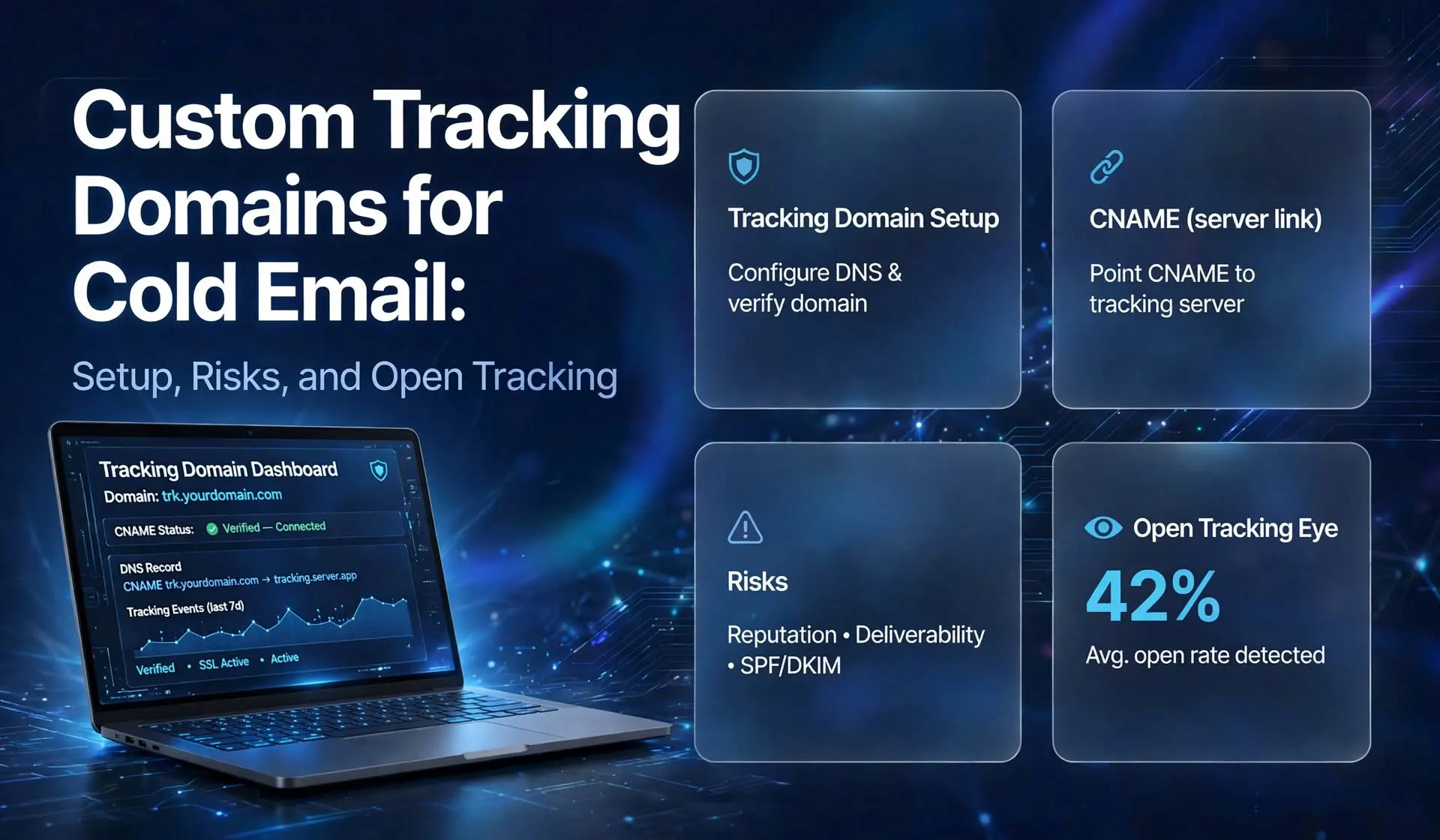
If you track links, use a custom tracking domain on HTTPS, with one per sending domain. For most cold emails, turn open tracking off, because the data is unreliable and the pixel adds risk. Measure replies and positive replies instead.
- Open tracking adds a hidden pixel to an HTML email, and link tracking rewrites links so clicks pass through a tracking domain before reaching the real page
- By default, many sending platforms route tracking through a domain shared among their customers, so your links and pixels share a reputation with strangers
- A custom tracking domain is a subdomain you own, pointed at the platform with a CNAME record, so tracking links carry your own domain instead
- Platform guides describe propagation of up to 24 to 72 hours, a verification step for the CNAME and SSL, and one tracking domain per sending domain as the recommended pattern
- Apple Mail Privacy Protection preloads images, so open rates are inflated and unreliable
- Research found that 85 percent of commercial emails in one corpus embedded third-party content, and 70 percent contained resources classed as trackers, which is why tracking pixels are easy for filters and privacy tools to recognize
- Many cold email teams turn open tracking off, and either disable link tracking in the first email or use a custom tracking domain over HTTPS
Almost every sending platform turns tracking on by default. Every message gets a tiny invisible image so you can see opens, and every link gets rewritten so you can see clicks. It feels like free data. What most teams never check is where that data runs through. By default, the tracking links and pixels often point to a domain shared with thousands of other customers, and every one of those customers affects its reputation. This guide explains how a custom tracking domain for cold email works, how to set up a CNAME tracking domain, what the risks are, and why many teams choose to disable open tracking altogether. It also covers link tracking deliverability, so you know when a tracked link helps you and when it hurts. By the end, you will have a clear decision for each campaign and a setup you can verify in minutes.
Key Terms Before You Set Anything Up
Open tracking records when an email is opened by loading a tiny image, called a tracking pixel, from a tracking server. Link tracking replaces each link with a tracking URL that records the click and then redirects the visitor to the real destination. A tracking domain is the hostname that those pixels and redirects use. A shared tracking domain is one that the platform provides to all customers by default. A custom tracking domain is a subdomain on a domain you own. A CNAME record is a DNS record that points one hostname to another, which is how your subdomain reaches the platform's tracking servers. SSL is the certificate that lets the tracking domain serve links over HTTPS. These terms matter because tracking uses a separate domain from your sending domain. That domain has its own reputation, and receiving systems look at it when they scan your message.
How Open Tracking and Link Tracking Work
Open tracking and link tracking both route a request through a tracking domain, and that request is visible to mail filters, privacy tools, and recipients.
For open tracking, your platform adds a 1 by 1 pixel image to the HTML of the email. When the recipient's mail app loads images, it requests the pixel from the tracking domain, and the platform records an open. Because the pixel is an image, open tracking only works in HTML email. A plain-text message cannot carry one. For link tracking, the platform rewrites each link so that it points to the tracking domain first. When the recipient clicks, the request goes to the tracking server, which logs the click and redirects to the real page. The recipient sees a different domain from the one they expected, which matters for trust and for filtering.
Why filters notice
Research on email tracking found that tracking is widespread and easy to detect. The study, I never signed up for this, (available at https://petsymposium.org/popets/2018/popets-2018-0006.php ) examined a corpus of commercial mailing-list emails and found that 85 percent embedded third-party content, 70 percent contained resources categorized as trackers by popular tracking-protection lists, and about 29 percent leaked the recipient's email address to at least one third party when opened. The authors also showed that tracking protection lists can block most of those leaks. The paper studied marketing mail, not cold outreach, but it shows how recognizable pixels and tracking redirects are. Mail systems and privacy tools both have long lists of tracking hosts, so a tracking domain with a poor history is a liability.
Why a Shared Tracking Domain Is a Problem
A shared tracking domain ties your message to the behavior of every other customer using it, so its reputation can fall for reasons that have nothing to do with you.
Platform help guides describe the issue plainly. When you turn on open or link tracking, the platform inserts tracking URLs, and by default those URLs use a domain shared among its customers. A shared domain might look like a random hostname with a short code after it, used by thousands of senders. If some of those senders attract spam complaints or blocklist listings, the shared domain suffers, and your message carries that history. A custom tracking domain isolates you from that. The tracking links now use a subdomain you own, so the reputation of the link domain is yours. Platform guides describe the custom domain as a way to isolate your sender reputation from others. It does not make tracking safe by itself, but it removes a risk that you cannot control.
How to Set Up a Custom Tracking Domain With a CNAME
Setting up a CNAME tracking domain takes four steps: choose a subdomain, add the CNAME record your platform specifies, wait for DNS to propagate, and verify the CNAME and SSL in the platform.
The process is similar across major sending platforms, but the exact host and target values differ, so always copy them from your platform's current instructions rather than from a guide.
Step 1: Choose the tracking subdomain
Pick a short, neutral subdomain on the same domain you send from. Use a different tracking domain for each sending domain, which is the pattern platform guides recommend, so that a problem on one domain does not spread. Do not use your root domain, and avoid names that look like marketing, such as promo or offers.
Step 2: Add the CNAME record
Open your DNS provider and add a CNAME record. The host is your chosen subdomain label, and the target is the value shown in your sending platform. Set the TTL to automatic or a default value. If your DNS provider offers a proxy or CDN toggle, set the record to DNS only unless your platform says otherwise, because a proxy can break verification and SSL.
Step 3: Wait for propagation
DNS changes can take time. One platform guide says up to 48 hours, and another says 24 to 72 hours, though changes are often faster. Do not enable the tracking domain until the record has propagated, and avoid changing it repeatedly while you wait.
Step 4: Enter and verify the domain in your platform
In your sending platform, enable the custom tracking domain setting and enter the subdomain. Run the status check. A successful setup typically shows the CNAME as verified and the SSL as verified. Choose HTTPS if the platform offers it, because plain HTTP links look less trustworthy and can trigger browser warnings. Then send a test email to yourself and inspect the link and pixel URLs to confirm they use your domain. Some platforms configure this for you when you buy done-for-you or pre-warmed accounts, so check what is already set before you add anything. If you export mailboxes from an infrastructure provider such as Icemail into a sequencer, the tracking domain is set up in the sequencer, not in the mailbox provider.
Troubleshooting common failures
If verification fails, check the host name first, because a typo in the subdomain label is the most common cause. Check that no other record exists for the same host, because a conflicting A or TXT record can block a CNAME. Check that the proxy toggle is off. Check that DNS has had time to propagate. If SSL does not verify, wait and retry, and confirm that the CNAME is correct. Icemail's multi-domain DNS checklist for cold email campaigns helps you keep records consistent across many domains.
The Risks of Custom Tracking Domains
A custom tracking domain solves one problem and introduces others, so know them before you scale. The first risk is that you are now tying a new hostname to your sending domain. If the tracking subdomain is flagged, it can affect the domain it sits on. Using a separate subdomain per sending domain limits the damage, but it does not eliminate it. The second risk is neglect. Each new sending domain needs its own tracking record, and a missing or broken record can break every tracked link in a campaign, including unsubscribe links. The third risk is misconfiguration. A tracking domain that points to nothing, serves a certificate error, or redirects slowly looks suspicious to both filters and recipients. The fourth risk is false comfort. A custom domain does not fix a bad list, weak authentication, or aggressive volume, and it cannot make a pixel invisible to filters. Add the tracking domain to your routine checks. Verify the CNAME and SSL when you add a domain, after DNS changes, and whenever click data looks wrong. Check that the tracking subdomain is not on any blocklist, using the same tools you use for your sending domain.
Open Tracking in Cold Email: Why Many Teams Turn It Off
Many cold email teams disable open tracking because the pixel makes a plain, personal email look like marketing and because the open data is unreliable.
The data is unreliable
Some mail apps preload remote images through a privacy proxy, which registers an open whether or not a human reads the message. Apple Mail Privacy Protection does this for Apple Mail users, and image proxies in other clients can behave similarly. The result is inflated and noisy open rates. You may think a campaign is working because opens are high, when much of that activity is automated. You may also think a campaign is failing because image blocking hides real opens.
The pixel adds risk
Open tracking requires HTML, and a tracking pixel is a signature of a marketing email. Cold email that is meant to feel one-to-one is usually better as plain text, and a plain-text message cannot carry a pixel. Platform guides now describe sending the first email in a sequence with open tracking and link tracking both disabled, sometimes called naked sending, as a way to avoid both the pixel and the redirect.
What to measure instead
Measure replies, positive replies, meetings booked, bounce rate, and unsubscribe and complaint rates. These are outcome signals that do not depend on images loading. If you need a rough signal of engagement, use reply patterns by provider and campaign. Icemail's guide on cold email metrics vs deliverability metrics explains which numbers to trust.
How to disable open tracking
In most platforms, open tracking is a per-campaign setting. Turn it off in the campaign settings, send a test, and confirm that the message source contains no pixel. If your platform lets you set a default, make off the default for new cold campaigns, and turn it on only for a specific reason.
Link Tracking Deliverability: When It Helps and When It Hurts
Link tracking affects deliverability because it adds a redirect through another domain, so the safest approach is fewer links, the first email without tracked links, and a custom tracking domain over HTTPS where you do track.
Links already raise risk in cold email, because filters inspect link domains against domain reputation lists. A tracked link adds a second domain to that check, the tracking domain, and a redirect that some filters treat with suspicion. A shared tracking domain makes this worse, because you inherit its history. Use these rules. In the first email of a sequence, avoid links when you can, and ask a question that invites a reply instead. If you must include a link, consider sending it untracked. When you do track clicks, use a custom tracking domain on your own subdomain over HTTPS, and keep one per sending domain. Avoid link shorteners, which hide the destination and are widely abused. Keep links few, and make sure the visible text matches the destination. Test placement with and without tracking, changing one variable at a time. Icemail's guide on why your cold emails are going to spam lists the other common triggers to check at the same time. Unsubscribe links also run through the tracking domain on some platforms. Test them. A broken unsubscribe link is both a deliverability problem and a compliance problem.
A Simple Decision Guide
For a first-touch cold email, send plain text with open tracking off and link tracking off, and ask for a reply. For follow-ups that include a resource link, turn on link tracking only if you need click data, and use a custom tracking domain over HTTPS. For warm audiences, such as people who replied or visited your site, tracking is less risky, but the same infrastructure rules apply. For campaigns where reporting accuracy matters to a client, explain that opens are unreliable and agree to report replies and meetings instead. Whatever you choose, document it per campaign. A short note that says tracking is off, or on with a specific domain, saves time when you diagnose a drop later.
Setup Checklist
Before you launch, confirm that each sending domain has its own tracking subdomain, that the CNAME resolves, that SSL is verified, and that HTTPS is selected. Confirm that open tracking is off unless you have a reason, and that tracked links use your domain, not the platform's shared one. Send a test to a Gmail and an Outlook account, inspect the source, and click the links and the unsubscribe link. Check the tracking subdomain against blocklists. Log the settings for each domain and campaign.
Final Verdict
Tracking feels harmless because it is invisible, but it runs through a domain that filters and recipients can see. A shared tracking domain ties your reputation to strangers. A custom tracking domain over HTTPS, one per sending domain, removes that dependency and is worth setting up if you track clicks at all. For most cold email, the better answer is less tracking. Turn open tracking off, keep the first email free of tracked links, and measure replies, positive replies, and meetings. Those numbers do not depend on a pixel, and they do not put an extra domain between you and the inbox.
Frequently Asked Questions
What is a custom tracking domain for cold email?
A custom tracking domain is a subdomain you own, such as a short label on your sending domain, that your sending platform uses for open pixels and click redirects. You point it to the platform with a CNAME record, so tracking links carry your domain instead of a shared one.
Do I need a custom tracking domain for cold email?
If you use link tracking or open tracking, yes, because the default tracking domain is usually shared among the platform's customers and carries their reputation. If you turn tracking off completely, there is no tracking domain to worry about, which is the simplest option for first-touch cold emails.
Should I disable open tracking in cold email?
Most cold email teams should. Open tracking needs HTML and a pixel, which looks like marketing, and open data is inflated by apps that preload images, such as Apple Mail Privacy Protection. Measure replies, positive replies, and meetings instead, and turn open tracking on only for a specific reason.
Does link tracking hurt deliverability?
It can. Tracked links add a redirect through another domain, and filters inspect link domains. A shared tracking domain makes the risk higher. Use fewer links, avoid tracked links in the first email, and use a custom tracking domain over HTTPS when you do track clicks.
How do I set up a CNAME tracking domain?
Choose a subdomain on your sending domain, add a CNAME record with the host and target values shown in your sending platform, wait for DNS to propagate, then enter the domain in the platform and run its status check until both the CNAME and SSL verify. Use one tracking domain per sending domain, and send a test to confirm the links.